Free Audio Silence Remover
or drop audio files here to remove silence from audio
or drop voice recordings here to auto cut silence
How to Remove Silence from Audio in 3 Steps
A lightning-fast, privacy-first workflow designed to auto cut silence and streamline voice tracks.
Upload your audio file or try sample
Configure threshold & padding
Export cleaned WAV or MP3
How Our Audio Silence Remover Engine Works
Learn the digital signal processing mechanism behind our client-side silence trimmer pipeline.
Stream & Decode Audio In-Memory
Your MP3, WAV, or M4A file streams directly into your device's browser memory via Web Audio API. Audio bytes are decoded into raw 32-bit floating point PCM audio buffers without touching external servers.
RMS & Peak Acoustic Energy Analysis
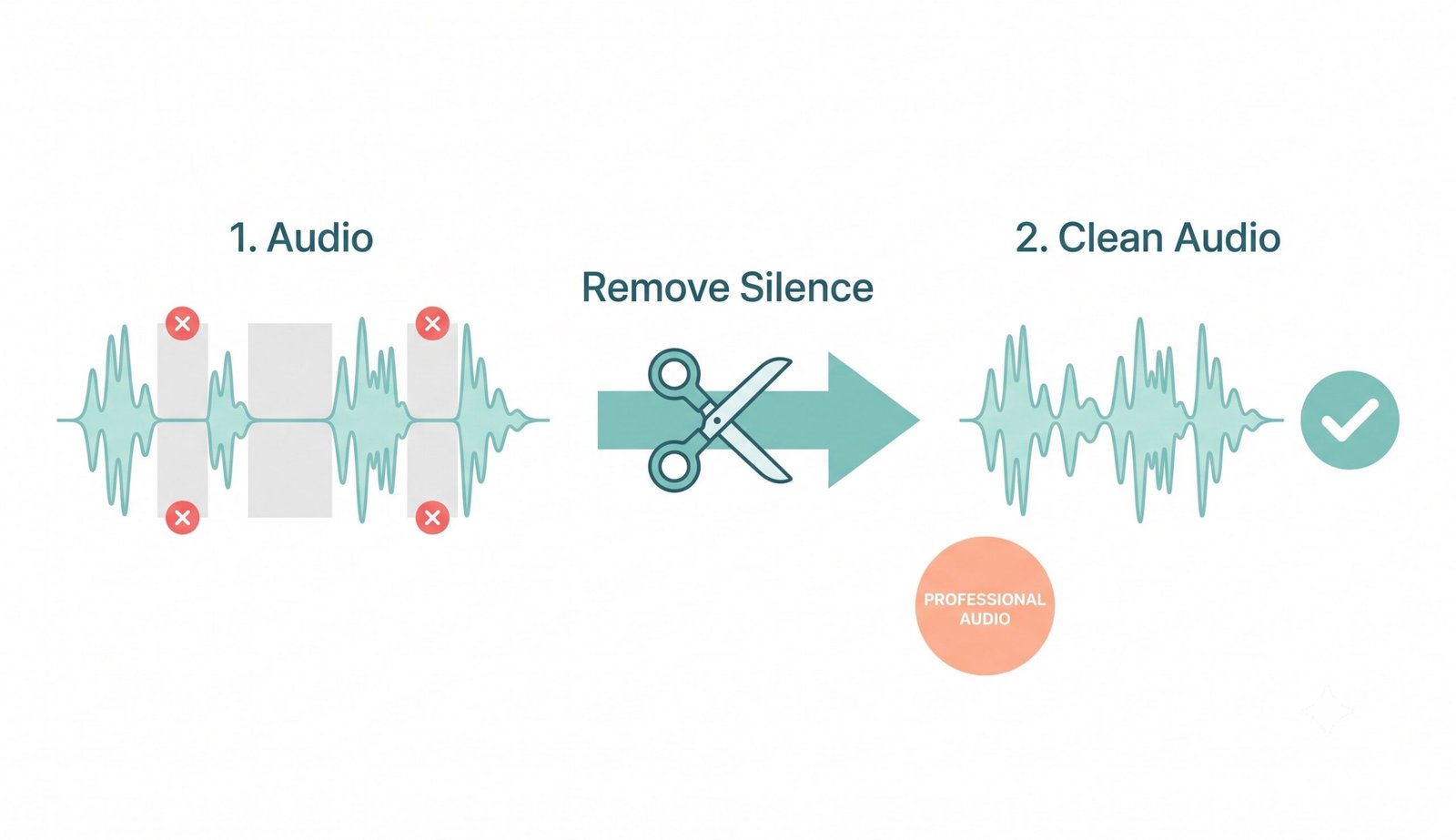
The silence detection engine divides the waveform into 20ms micro-slices. It computes Root-Mean-Square (RMS) continuous power and peak spikes, comparing each window against your chosen decibel threshold.
Safety Transient Padding & Gating
To avoid artificial robotic sound cuts, the algorithm expands kept speech regions outward with pre-attack and post-release padding buffers (e.g. 100ms), protecting soft consonants and breaths.
Lossless Export & Cover Art Retain
Cleaned speech chunks are spliced into a continuous audio master. The output is encoded as uncompressed 16/32-bit WAV or high-bitrate MP3 with embedded album artwork preserved.
Powerful Performance Features
Engineered for razor-sharp vocal clarity, instant batch silence removal, and airtight privacy.
Smart Silence Trimmer
Easily customize dB thresholds and silence duration to auto cut silence accurately.
100% Private Local DSP
Your recordings stay strictly on your device. Zero cloud uploads and zero telemetry logging.
Cover Art & ID3 Preserver
Keeps podcast covers and visual portraits crystal clear without downsampling metadata.
Instant A/B Audio Player
Compare original vs cleaned audio tracks side-by-side with synchronized playback.
Dual RMS & Peak Gating
Choose between RMS spectral power or instant peak amplitude gating for pristine cuts.
No File Size Limits
Trim multi-hour podcast interviews, lectures, and audiobooks freely with zero limitations.
Professional Audio Silence Remover & Precision Trimmer
Save hours of manual editing time and make your voice tracks sound punchy and professional. Our client-side silence trimmer allows you to securely remove silence from audio directly in your browser. Whether you need a dedicated podcast silence remover or an automated tool to remove silence from MP3 files, our Web Audio DSP pipeline delivers studio-grade results in seconds.
Smart Threshold, RMS Energy & Transient Padding
When editing voice recordings, dead air, hesitation pauses, and background room silence drag down audience engagement. Our advanced audio silence remover eliminates awkward pauses without creating robotic cuts or clipping soft spoken syllables.
By combining RMS energy measurement with adjustable boundary padding buffers, you can easily remove silence from audio tracks while preserving natural vocal breathing and pacing. Learn more about advanced audio editing and sound gating techniques [1].
- Intelligent silence trimmer with real-time waveform visualization.
- Boundary padding buffer prevents truncated word beginnings and breath cutoffs.
- Effortlessly auto cut silence across long interviews and lecture tracks.
The Essential Podcast Silence Remover for Creators
Modern listeners demand concise, engaging conversations. Long pauses between speaker turns reduce retention metrics on major streaming platforms. Using our high-precision podcast silence remover, you can trim 20% to 35% of dead air effortlessly.
Whether you are preparing a solo monologue or a multi-host interview, you can remove silence from MP3 and WAV voice tracks in bulk with zero distortion and total acoustic transparency.
- Accelerates podcast editing time from hours down to seconds.
- Preserves embedded cover artwork and ID3 podcast episode metadata.
- Instant A/B dual player comparison before exporting final files.
100% In-Browser Execution: Zero Cloud Audio Leakage
Conventional cloud audio editors require uploading your confidential business interviews, legal depositions, and medical voice recordings to remote third-party servers.
Our Audio silence remover runs completely client-side in your web browser. Audio decoding, waveform analysis, silence slicing, and MP3 re-encoding execute locally on your physical CPU and RAM.
- Zero server packet uploads: completely private and confidential.
- Works offline without an active internet connection once loaded.
- No arbitrary file size caps or monthly subscription restrictions.
Frequently Asked Questions
Everything you need to know about our private, client-side audio silence trimmer engine.
The absolute fastest way is using our offline-capable web tool. You can securely remove silence from MP3 files instantly because all digital signal processing happens directly inside your browser with zero upload latency.
Our auto cut silence engine scans your audio track for acoustic power drops below your set dB threshold. It automatically trims dead pauses while applying smooth safety padding buffers around speech transitions for a natural, professional cadence.
Not at all. When you use our silence trimmer, our export pipeline preserves embedded ID3 tags, artist names, and high-resolution cover artwork without lossy downscaling or color degradation.
Yes! Because it leverages your computer or smartphone's local processing power, there are no expensive server costs. This makes it a 100% free podcast silence remover without subscriptions, file count limits, or watermarks.
No. The entire process runs 100% locally inside your web browser via the Web Audio API. Your files never leave your computer or phone, making it completely compliant with GDPR and HIPAA data privacy regulations.
Peak detection triggers on instantaneous waveform amplitude spikes, making it fast for dry studio vocals. RMS (Root-Mean-Square) measures average continuous acoustic power, making it superior for tracks with subtle room tone or gentle background noise.