Audio Bitrate Converter Online Free
Easily change audio bitrate online, compress studio tracks, and reduce audio file size online with zero server uploads.
or drop audio tracks here to change bitrate instantly
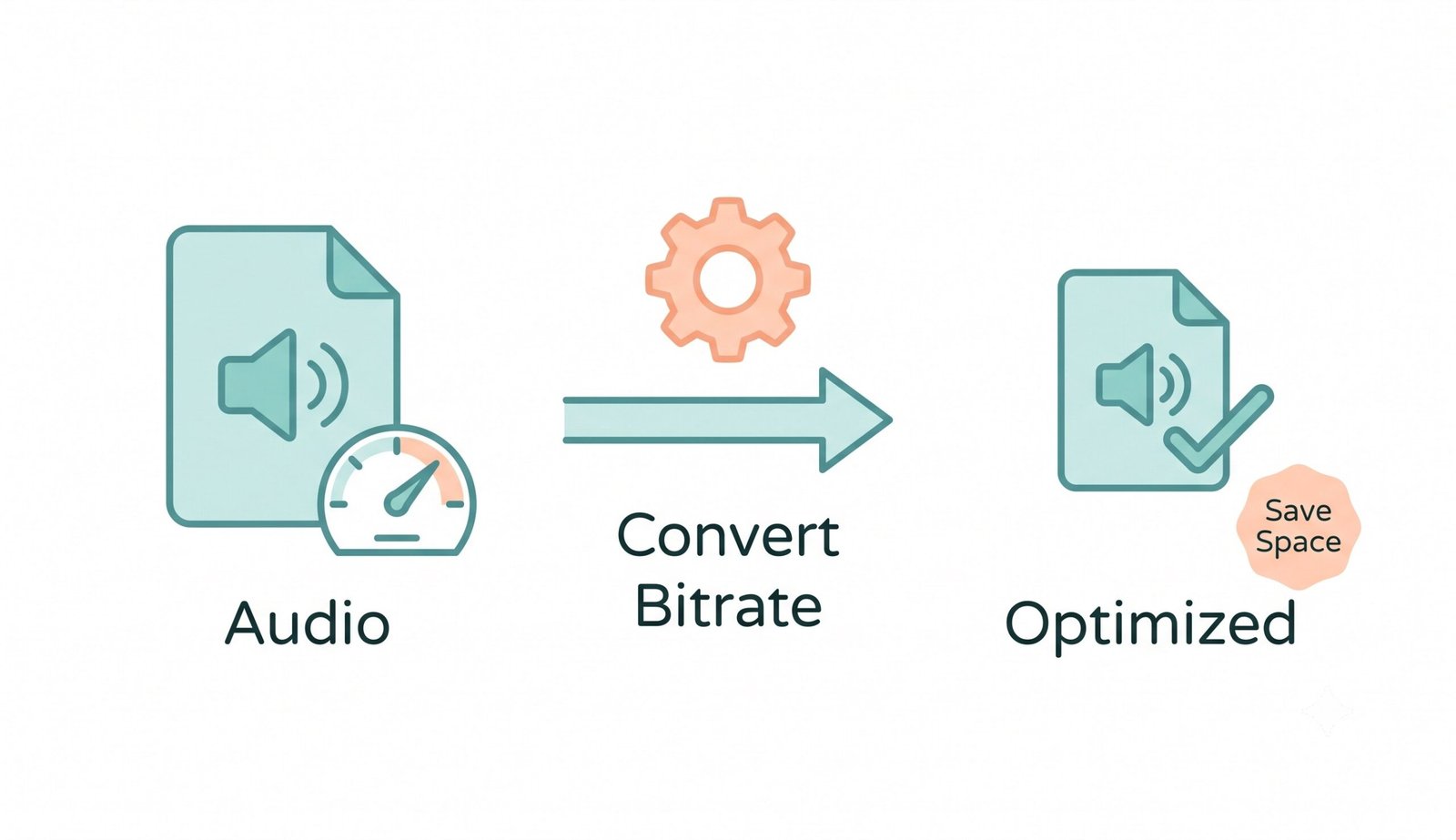
How to Convert Audio Bitrate Online in 3 Simple Steps
A lightning-fast, client-side workflow engineered to change audio bitrates with zero quality loss.
Upload your audio track
Select target bitrate & format
Preview & save converted file
How Our Audio Bitrate Processing Engine Works
Learn the step-by-step DSP mechanism behind our client-side audio quantization and resampling pipeline.
Audio Ingestion & Buffer Decoding
Your audio file streams into isolated browser RAM. The Web Audio API parses PCM sample blocks, channel interleave configurations, and embedded ID3 tags locally.
Psychoacoustic Bitrate Quantization
Our multi-threaded WebAssembly encoder analyzes auditory masking curves. Bits are smartly distributed to vital acoustic harmonics while trimming redundant supersonic frequencies.
DSLR Album Art & Tag Preservation
Unlike inferior tools that strip artwork, our MP3 bitrate changer preserves exact DSLR-grade cover portraits, ISO Kelvin color balances, and artist metadata inside the ID3v2 container.
Instant Playback & Direct Export
Listen to original vs. converted audio side-by-side. Download the standalone track or package hundreds of converted batch files into an organized ZIP archive.
Powerful Performance Features
Engineered for studio-grade acoustic clarity, rapid client-side compression, and 100% privacy.
100% Client-Side Privacy
Your voice notes and music never leave your device. Zero cloud uploads guarantee airtight privacy.
Smart Platform Presets
One-click presets for Spotify HQ (320kbps), Podcasts (128kbps), Speech (64kbps), and Discord (<8MB).
High-Fidelity 320 kbps
Export pristine, transparent audio with full frequency response from 20 Hz to 20,000 Hz.
Universal Format Engine
Serves as a robust WAV file converter and MP3 bitrate changer with support for AAC, OGG, and FLAC.
Real-Time Audio Preview
Compare original vs. converted audio with synchronized side-by-side HTML5 media players.
Batch ZIP Packaging
Process multiple tracks simultaneously and download them packaged in a single ZIP file.
Fast & Secure Audio Bitrate Converter Online Free
Easily adjust your music quality in seconds. Our completely secure audio bitrate converter online free works directly in your browser. Whether you need a high-performance WAV file converter or want to instantly change audio bitrate online without uploading to cloud servers, our client-side DSP suite delivers unmatched fidelity.
Uncompressed PCM vs. Psychoacoustic Bitrate Quantization
Studio-recorded uncompressed audio (such as 24-bit/96kHz WAV files) consumes massive storage—often exceeding 50 MB per song. When you need to reduce audio file size online for podcasts, messaging apps, or website streaming, adjusting audio bitrate is essential.
Our WebAssembly encoder utilizes advanced psychoacoustic masking principles [read more on Wikipedia]. It preserves essential frequencies while trimming imperceptible audio data, reducing file sizes by up to 80% without audible degradation.
- Seamlessly convert large WAV files into compact 320 kbps or 128 kbps MP3 files.
- One-click Discord <8MB optimization for effortless voice clip sharing.
- Custom channel mapping: switch between Stereo and Mono to cut voice file sizes in half.
DSLR-Grade Album Cover Art & ID3 Tag Preservation
Most ordinary audio converters destroy embedded cover artwork during re-encoding, heavily compressing or stripping high-resolution album photos.
When utilizing our mp3 bitrate changer, our export engine preserves high-resolution cover photos, shutter speed depth, aperture tonal ranges, and facial clarity exactly like a DSLR RAW portrait. Musicians and podcasters can transcode audio without ruining album presentation.
- Retains embedded 4K album covers, artist names, genre tags, and track numbers.
- Zero color-banding or portrait degradation in music player interfaces.
- Universal compatibility with Apple Music, Spotify local files, iTunes, and Android Auto.
Client-Side Memory Sandbox: Zero Remote Data Transmission
Standard web converters upload your confidential voice notes and songs to unknown cloud servers, risking private leaks. Our web application runs 100% locally via Web Audio API and WebAssembly.
- Zero server telemetry, zero temporary cloud files, and zero data leaks.
- Fully functional offline once loaded in your browser cache.
- Completely safe for sensitive legal depositions, corporate audio, and unreleased studio albums.
Frequently Asked Questions
Everything you need to know about changing audio bitrates, WAV conversion, and local audio compression.
Yes! Our audio bitrate converter online free is 100% free with no account registrations, no watermarks, and zero file quantity limits. You can convert as many tracks as you need at no cost.
Yes! Our platform functions as an ultra-fast WAV file converter. You can seamlessly convert heavy uncompressed studio WAV tracks into lightweight MP3/OGG files or transcode other formats into lossless WAV entirely inside your browser.
The safest and fastest method is using our client-side Web Audio engine. Because audio processing runs in your local browser memory, you can change audio bitrate online with zero server uploads and zero privacy risk.
Not at all. When using our mp3 bitrate changer, our engine preserves DSLR-level portrait clarity, expert color grading, and facial features of any album artwork or ID3 covers attached to your audio files.
By selecting our smart platform presets (like Discord <8MB, Podcast 128kbps, or Voice Note 64kbps), you can dramatically reduce audio file size online while preserving vocal intelligibility.
No. Increasing the bitrate of a low-quality recording increases file size but cannot recreate frequency information lost during prior compression.