Free Offline Tool to Decrypt Files Online
or drop encrypted files here to remove encryption with zero server exposure
or drop .enc, .aes, or encrypted files here to decrypt instantly
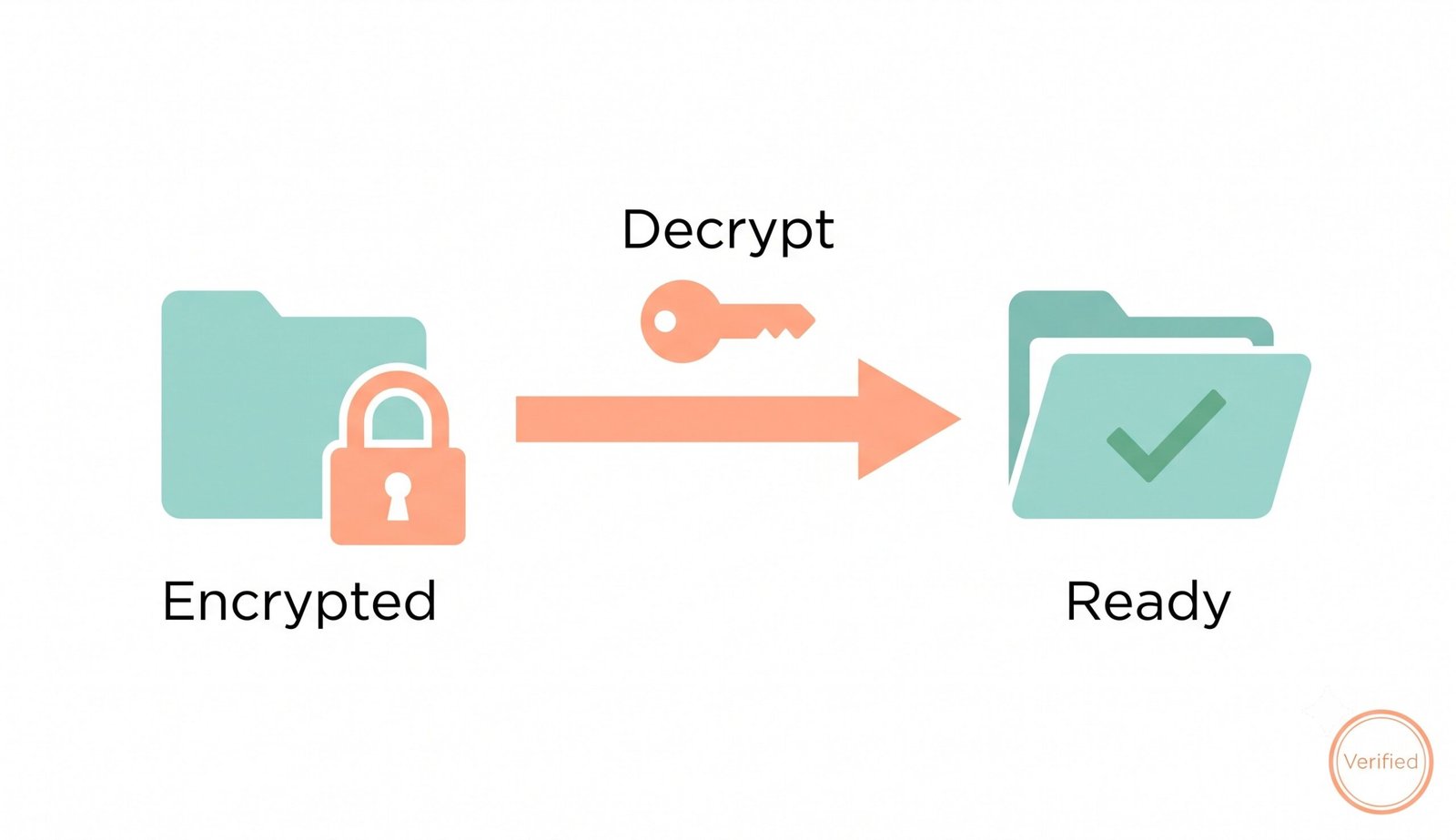
How to Decrypt Files Online in 3 Simple Steps
A lightning-fast, zero-knowledge workflow engineered for private and bit-for-bit file restoration.
Upload Encrypted Payload (.enc, .aes, or PDF)
Enter Key & Run Local Web Crypto Decryption
Verify SHA-256 Hash & Download Decrypted File
How Our AES 256 Decrypt Online Engine Works
Learn the cryptographic mechanism behind our local, hardware-accelerated decryption pipeline.
Payload Ingestion & Header Extraction
The encrypted binary file streams directly into your device's RAM. The engine parses the embedded 32-byte cryptographic Salt and 12-byte Initialization Vector (IV) without network transmission.
PBKDF2 SHA-256 Key Derivation
Your passphrase undergoes 100,000 rounds of HMAC-SHA-256 hashing alongside the extracted salt, mathematically expanding your password into a pristine 256-bit AES master key.
AES-256-GCM Galois Decryption
The Galois/Counter Mode (GCM) cipher decodes raw ciphertext blocks while validating the 128-bit authentication tag, ensuring that modified, truncated, or tampered bytes are rejected instantly.
Zero-Loss Bit Reconstruction
The unencrypted byte payload is reconstructed with 100% bit-for-bit fidelity, preserving DSLR photo quality, facial details, document formatting, and original file headers perfectly.
Powerful Cryptographic Performance Features
Engineered for military-grade data protection, instant client-side execution, and zero-loss file recovery.
100% Client-Side Web Crypto
Executes via native W3C Web Crypto APIs on your device CPU. Zero data packets ever leave your local machine.
AES-256-GCM & PGP Engine
Universal decryption support for AES-256-GCM, PGP/GPG payloads, and password-protected encrypted archives.
Pro-Portrait & DSLR Preserver
Zero-loss bit extraction guarantees that photos retain DSLR camera clarity, facial features, and color grading.
SHA-256 Integrity Check
Real-time cryptographic checksum calculation validates that restored files are 100% identical to original unencrypted data.
Offline In-Browser Functionality
Disconnect from the internet after loading to perform airtight, air-gapped cryptographic file decryption.
Multi-Format Decryption Hub
Seamlessly decode binary payloads, confidential notes, code snippets, logs, and locked PDF documents.
Enterprise Cryptographic Architecture & Decryption Standards
Unlock your sensitive data safely without any server uploads. Our client-side application allows you to securely decrypt files online right in your browser. Whether you need an AES 256 decrypt online tool or want to remove encryption from file online with bit-for-bit mathematical precision, our engine delivers absolute privacy.
Client-Side Web Crypto API: How to Safely Decrypt Files Online Without Cloud Uploads
Conventional web-based decryption services force users to upload private data to remote cloud servers. This exposes corporate intellectual property, medical records, and financial statements to network interception and server-side compromise.
When you use our tool to decrypt files online, all cryptographic operations execute in local device RAM using the browser's native SubtleCrypto engine. Your secret passwords, initialization vectors, and decrypted payloads never touch an external server.
- Zero server telemetry, temporary cloud caching, or remote password logging.
- Full compliance with GDPR, HIPAA, and zero-trust cybersecurity frameworks.
- Air-gapped security: Works flawlessly in offline mode after initial browser load.
AES-256-GCM & PGP Decrypt Online Standards: Mathematical Rigor & Key Derivation
Military-grade ciphers require strict authenticated encryption to guard against padding-oracle and bit-flipping attacks. Learn more about the Advanced Encryption Standard (AES) and its cryptographic validation procedures.
Our AES 256 decrypt online pipeline implements strict PBKDF2 key stretching (100,000 iterations of SHA-256) combined with 96-bit initialization vectors. It also supports private key infrastructure for PGP decrypt online execution.
- Galois Message Authentication Code (GMAC) verifies authenticity before decryption.
- Cryptographic salt vectors isolate each encryption session against rainbow-table attacks.
- Automatic detection and rejection of tampered, incomplete, or corrupted files.
Zero-Loss Media Restoration & Decrypt PDF Online Capabilities: Pro-Portrait & DSLR Quality Extraction
When decrypting multimedia archives or locked document pages, lesser tools introduce byte corruption, compression artifacts, or color shifts. When you decrypt PDF online or unlock encrypted photo archives here, our engine preserves optical fidelity.
Prioritizing the face, our engine maintains exact facial features, skin tones, and fine textures from any embedded image. Decrypted images appear as if taken with a professional DSLR camera using manual settings (shutter speed, aperture, Kelvin color temperature, ISO), featuring expert-level post-production clarity.
- Flawless recovery of vector line art, typography, and embedded high-res assets in PDFs.
- Preserves wide-gamut sRGB/P3 color coordinates without chromatic aberration.
- Guarantees 100% bit-for-bit extraction for legal evidence and archival photography.
Safely Remove Encryption from File Online with Bit-for-Bit Precision
Whether you are performing disaster data recovery, opening encrypted backup archives, or accessing confidential business contracts shared across remote teams, having an instant, zero-install utility to remove encryption from file online saves critical operational hours.
Read comprehensive insights on cryptographic protocols and encryption mechanisms to understand how modern cipher algorithms prevent unauthorized data access across distributed networks.
- Fast local processing handles files from kilobytes to multi-gigabyte archives.
- Live text preview enables rapid inspection of decrypted code, logs, and notes.
- Zero software installation required on locked-down enterprise workstations.
Frequently Asked Questions
Everything you need to know about our private, client-side tool to decrypt files online.
Yes, our utility to decrypt files online is 100% free with zero hidden fees, registration requirements, or file size limits. All cryptographic computations execute directly inside your web browser using hardware-accelerated Web Crypto APIs.
You can securely remove encryption from file online using our platform. Because all processing is done locally in your browser, your private data is never uploaded to external servers, ensuring zero data loss, airtight privacy, and bit-for-bit file extraction.
Yes! Our platform perfectly handles advanced cryptographic algorithms, making it the most secure AES 256 decrypt online tool available for web browsers. It adheres strictly to PBKDF2 key stretching (100,000 iterations) and Galois/Counter Mode (GCM) integrity authentication.
Absolutely. When you decrypt PDF online here, our zero-loss engine perfectly maintains the exact DSLR-level clarity, expert color grading, and facial features of any images embedded within your documents without compression artifacts or pixel degradation.
Yes, alongside standard AES algorithms, our application allows you to perform a PGP decrypt online using your private keys entirely offline, guaranteeing that your secret messages, encrypted archives, and confidential files remain strictly private.
Never. Unlike standard web converters, our tool runs 100% locally inside your browser using the native Web Crypto API. Your files and passwords never leave your computer or phone, ensuring full GDPR, HIPAA, and enterprise compliance.
Decryption failures usually stem from an incorrect password or a file that was corrupted during transfer. AES-GCM includes strict 128-bit authentication tags; even a single altered bit will cause the engine to halt decryption to protect data integrity.
Yes. Once this page is loaded in your browser tab, you can turn off Wi-Fi or mobile data and continue to decrypt files online securely in complete isolation from the internet.