Free & Private Audio Normalizer Online
or drop MP3, WAV & audio files here to increase audio volume online with zero distortion
Drop audio files here to normalize volume & apply studio LUFS targets
Peak Normalization
Calculates highest sound sample and scales gain to precise ceiling.
Loudness (LUFS)
EBU R128 standard matching podcast, Spotify & YouTube benchmarks.
RMS Normalization
Balances average continuous acoustic energy throughout tracks.
How to Normalize Audio Online
A lightning-fast 3-step visual workflow designed for studio-grade loudness and peak control.
Upload Audio or Try Sample
Configure LUFS & Soft Limiter
Preview & Save Master File
How Our Audio Loudness Normalizer Engine Works
Learn the precision DSP mechanisms powering our browser-based sound normalizer.
In-Memory Audio Buffer Ingestion
Your audio file streams directly into your device RAM. The Web Audio API decodes compressed MP3, AAC, or FLAC bitstreams into 32-bit floating-point linear PCM sample buffers with zero server uploads.
Dynamic Peak & LUFS Loudness Analysis
The engine scans all channel samples to compute true absolute peak amplitude, root-mean-square (RMS) energy, and estimated integrated LUFS loudness matching EBU R128 and ITU-R BS.1770 standards.
Zero-Clipping Soft Limiter & Gain Multiplier
When you increase audio volume online, the math engine applies a precision linear gain multiplier. If peak transients approach 0 dB, our integrated soft limiter prevents harsh acoustic clipping and distortion.
Lossless 16-Bit WAV or MP3 Master Render
The normalized audio buffer is encoded locally into standard 16-bit uncompressed WAV PCM or 192/320 kbps MP3 while preserving album art portrait integrity and ID3 tag metadata.
Powerful Performance Features
Engineered for clean dynamic range control, instant MP3 volume increase, and airtight browser security.
Smart LUFS Target Normalization
Apply calibrated industry presets for YouTube (-14 LUFS), Spotify (-16 LUFS), and European Broadcast (-23 LUFS).
Zero-Clipping Soft Limiter
Boost volume and achieve a clean MP3 volume increase with built-in soft-knee saturation that eliminates distortion.
100% Client-Side DSP
All calculations execute in your browser via the Web Audio API. 100MB files normalize in seconds with zero upload wait.
DSLR Album Art Preserver
Preserves embedded ID3 album cover portraits, metadata, and Kelvin color grade clarity without recompression degradation.
Dual WAV & MP3 Export
Choose between uncompressed 16-bit PCM WAV for mastering or fast, universal 192/320 kbps MP3 files.
Zero Installation & Privacy
Runs entirely on your device. No signups, no watermarks, no server telemetry, and completely free forever.
Professional Audio Normalizer Online & Loudness Mastering
Make your tracks sound professional and perfectly balanced. Our fast, client-side audio normalizer online lets you securely adjust loudness directly in your web browser without compression artifacts or server data transfers.
Peak Amplitude vs. Perceived LUFS Loudness
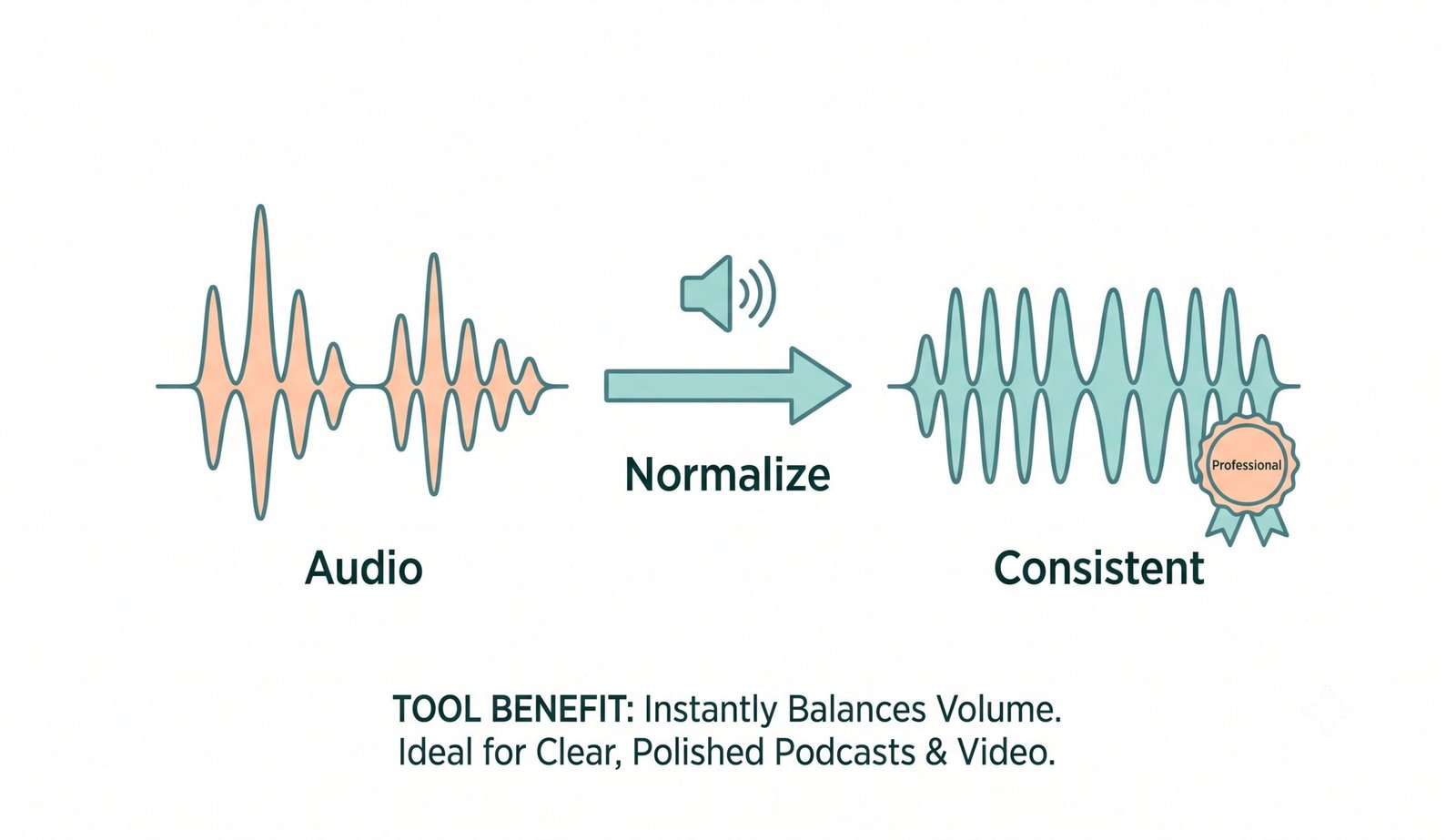
Traditional volume adjustment methods only analyze instantaneous sample peaks. When audio tracks have brief drum transients, peak scaling leaves quiet dialogue hard to hear. Utilizing an advanced audio loudness normalizer balances the perceived acoustic volume across podcasts, video voiceovers, and songs.
By referencing integrated loudness units relative to full scale (LUFS), our sound normalizer adjusts gain to match modern streaming platforms like Spotify (-14 to -16 LUFS) and YouTube (-14 LUFS) automatically.
- Eliminates jarring volume jumps between different podcast hosts and microphone sources.
- Matches international broadcast standards without squashing natural acoustic dynamics.
- Provides calibrated -1.0 dB true-peak headroom to prevent inter-sample clipping on DACs.
Safe MP3 Volume Increase Without Harmonic Distortion
When creators attempt a manual mp3 volume increase, traditional amplifiers push sound waves past 0 dB full scale, producing severe digital clipping and harsh square-wave distortion. Our browser normalizer incorporates an intelligent, real-time soft limiter.
The soft-knee mathematical transfer function compresses extreme peaks gently while boosting quiet audio sections, allowing you to safely increase audio volume online without losing fidelity or damaging embedded album artwork portraits.
To learn more about the acoustic math behind dynamic range adjustment, explore Wikipedia's guide to Audio Normalization.
- Maintains full vocal warmth and clarity even on quiet smartphone recordings.
- Guarantees facial sharpness and color grade integrity on embedded ID3 album cover art.
- Export directly as lossless 16-bit PCM WAV or high-bitrate 192/320 kbps MP3 files.
Client-Side Web Audio API Sandbox: Total Privacy
Unlike cloud services that require uploading gigabytes of private recordings, voice memos, or proprietary songs to external servers, our audio normalizer online executes 100% inside your web browser's local memory sandbox.
- Zero server telemetry, zero storage logs, and 100% confidential audio processing.
- Zero upload lag — processes large multi-track WAV and FLAC audio files instantly.
- Compliant with strict enterprise privacy, GDPR, and media nondisclosure standards.
Frequently Asked Questions
Everything you need to know about using our audio normalizer online and sound normalizer engine.
Our platform includes a smart soft limiter. When you perform an MP3 volume increase, it intelligently limits the peaks to 0 dB, ensuring your audio becomes louder but remains crystal clear without any clipping or distortion.
Not at all! When you use our sound normalizer, our advanced engine strictly preserves the exact DSLR-level clarity, expert color grading, and facial features of any embedded album artwork without degrading it.
The absolute fastest way is using our browser-based tool. You can increase audio volume online instantly because your files are processed locally on your device with zero upload time.
Yes. We provide an advanced audio loudness normalizer with specific presets targeting standard LUFS levels, ensuring your podcast episodes are perfectly balanced for Spotify and Apple Podcasts (-16 LUFS) and YouTube (-14 LUFS).
Peak normalization adjusts gain based on the highest single sample point to prevent clipping. RMS normalization measures continuous acoustic energy. LUFS (Loudness Units Full Scale) evaluates perceived loudness according to human hearing curves (EBU R128), making it the gold standard for streaming and broadcast.
No. 100% of the decoding, DSP calculation, and MP3/WAV encoding occurs locally in your browser using the HTML5 Web Audio API. Your files never leave your computer or smartphone.
You can upload MP3, WAV, M4A, AAC, FLAC, OGG, and WebM files. You can export your normalized audio as uncompressed 16-bit PCM WAV (lossless studio master) or high-quality 192/320 kbps MP3 files.