Screen Record Without Software
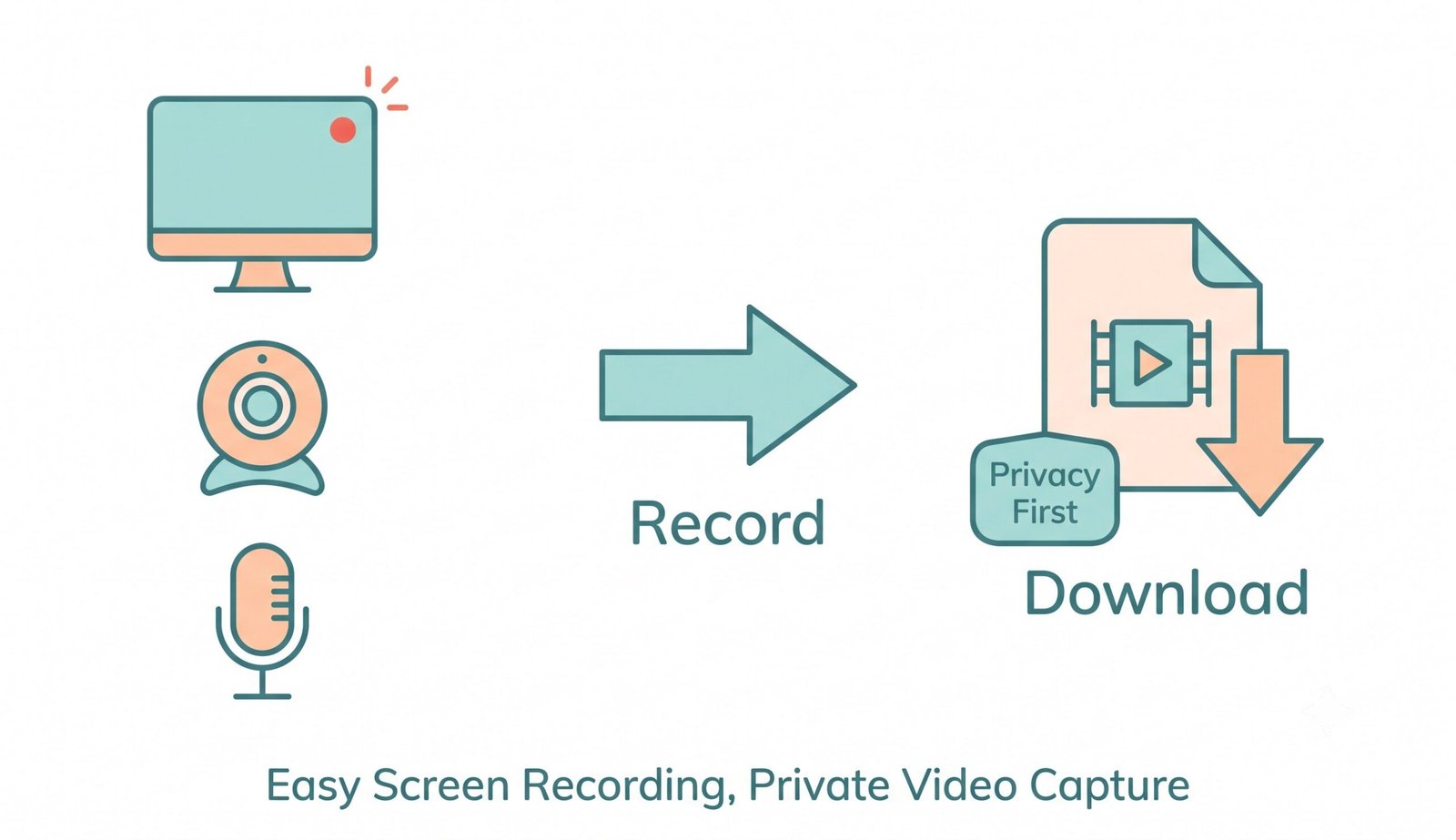
Capture your display, webcam, and audio in crisp 4K/1080p with zero downloads and no watermark.
📹 Processing high-resolution video stream...
Synthesizing audio tracks and optimizing video duration headers...
How to Screen Record Without Software
A simple 3-step browser workflow designed for watermark-free, high-definition recording.
Select Mode & Audio Input
Record with Teleprompter
Save Clean Video Instantly
How Our In-Browser Recording Engine Works
Understand the client-side architecture powering our zero-software, zero-telemetry capture suite.
Local WebRTC Stream Acquisition
Your browser requests permission to access the display buffer via the native getDisplayMedia() API. Video frames are captured directly from your graphics compositor with zero remote server connections.
Floating Teleprompter & PiP Compositing
Our transparent teleprompter HUD overlays your viewport, auto-scrolling your speaking script without being captured in your output video. Webcams are rendered with hardware-calibrated color grading.
Dual-Bus Web Audio Mixing
Internal system audio and external microphone commentary are combined inside a real-time AudioContext destination bus, preventing microphone feedback and speaker echo.
Header Repair & Direct Local Save
Upon stopping, recorded video chunks are assembled in memory. WebM timestamps are patched for smooth seeking, allowing instant export as MP4 or WebM without watermarks.
Powerful Performance Features
Engineered for ultra-smooth 60 FPS recording, DSLR-quality camera feeds, and zero telemetry.
100% Client-Side WebRTC
Execute high-definition screen capture directly in your browser with zero installations or extensions.
DSLR-Grade Webcam Clarity
Preserve crisp facial tone, true optical contrast, and sharp detail without washed-out video compression.
Floating Teleprompter HUD
Read presentations with synchronized auto-scrolling text that stays completely hidden in final videos.
Absolute Zero Watermarks
Export unbranded, studio-ready MP4 and WebM videos without paid subscriptions or duration limits.
Dual-Track Audio Mixer
Seamlessly blend internal game/browser audio with microphone voiceover without speaker echo.
IndexedDB Crash Recovery
Accidentally closed your browser? Your latest recording is safely cached locally for instant recovery.
Securely Screen Record Without Software Instantly
Capture your display securely right from your browser. Our platform allows you to screen record without software installations, offering a fully private experience engineered on HTML5 WebRTC standards.
The Modern Way to Screen Record Without Software
Traditional desktop recording tools require hefty executable downloads, admin rights, and ongoing background services that eat system RAM. In contrast, our tool serves as the premier screen recorder online free no download solution, running on hardware-accelerated browser APIs.
By utilizing the official MDN MediaStream Recording API [^1], video frames flow straight from your OS window manager to your browser's local memory sandbox, guaranteeing zero latency and maximum privacy.
- Works on Chrome, Firefox, Safari, Edge, Linux, and Chromebooks without plugins.
- Full support for 1080p Full HD, 4K Ultra HD, and high-frequency 60 FPS workflows.
- Zero background CPU bloat or persistent background monitoring services.
Integrated Teleprompter & DSLR Webcam Quality
Looking for a high-performance screen recorder with teleprompter? Our tool features a floating transparent HUD that auto-scrolls your notes across your screen while you speak. The prompter remains completely invisible in the final exported video.
Furthermore, our webcam preserver applies optical contrast and TrueTone exposure calibration, ensuring your facial features look as crisp as a dedicated DSLR camera rather than a compressed, muddy webcam feed.
- Adjustable teleprompter scrolling speed and customizable font sizes.
- Picture-in-Picture (PiP) webcam overlay with portrait preservation.
- Simultaneously record screen and audio online free with studio voice clarity.
Strict Privacy Sandboxing & Zero Watermarks
Why pay expensive recurring subscriptions just to remove an intrusive watermark? Our promise is simple: you can screen record without watermark unconditionally on all video durations.
Everything executes locally inside your web browser's isolated memory space. Confidential business pitches, code demos, and customer webinars remain 100% private and never touch an external cloud server.
- Zero watermarks, zero brand overlays, and zero duration caps.
- IndexedDB automatic session preservation in case of accidental tab closing.
- Works offline once loaded, making it the safest recording tool for enterprise teams.
Frequently Asked Questions
Everything you need to know about our private, in-browser screen recording utility.
Our platform is a true screen recorder online free no download utility because it utilizes your browser's native capabilities, allowing you to capture high-quality videos instantly without installing any third-party apps, plugins, or software extensions.
Yes! We offer an exclusive built-in feature that makes us the perfect screen recorder with teleprompter. You can read your script flawlessly with customizable scroll speeds while our engine preserves the exact DSLR-level clarity, expert color grading, and facial features of your webcam feed.
Absolutely. We firmly believe in helping creators and professionals, which is why our tool lets you screen record without watermark, delivering clean, professional, and unbranded video files every single time.
Yes! By enabling the microphone permissions, you can simultaneously record screen and audio online free, ensuring your tutorials and presentations have crystal-clear voiceovers and synchronized internal application sound.
No! All screen capture, audio encoding, and processing happen entirely inside your web browser using HTML5 MediaRecorder technology. Your videos stay strictly in your device's local memory and are never transmitted across the network.
Don't worry! Our built-in IndexedDB autosave engine automatically caches your last session recording locally. When you reopen the tool, an autosave recovery banner appears so you can download your video with one click.