Secure Tool to Add Header and Footer to PDF
Organize your documents professionally. Our free tool allows you to seamlessly add header and footer to PDF files without uploading them to any server.
or drop PDF files here to stamp headers, footers & page numbers
How to Add Header and Footer to PDF Online
A lightning-fast 3-step visual workflow designed for high-resolution vector stamping.
Upload your PDF documents
Configure Headers & Footers
Save Stamped PDFs or ZIP
How Our PDF Header & Footer Engine Works
Learn the precision vector overlay mechanism behind our private in-browser document stamping pipeline.
Select & Load PDF Files
Upload multi-page or batch documents into browser memory. Files are processed locally via WebAssembly with zero data sent to external cloud servers.
Smart Dynamic Variable Evaluation
Our parser evaluates placeholders like [Page Number], [Total Pages], and [Date] in real-time according to document pagination standards.
Lossless Vector Layer Stamping
Headers and footers are compiled as native vector typography layers following ISO 32000-2 PDF specifications without flattening original images.
Instant Download & Batch ZIP
Download individual stamped PDFs directly or export your entire queued document collection as a compressed ZIP archive in one click.
Powerful Performance Features
Engineered for razor-sharp typography, automated page numbering, and strict client-side data confidentiality.
100% Client-Side Privacy
Your sensitive files stay strictly on your device. Zero remote uploads to any server or cloud database.
Smart Dynamic Tag Engine
Add header and footer to PDF with dynamic placeholders like [Page Number], [Total Pages], and [Date].
Lossless Vector Text
Stamps crisp vector typography on a fresh overlay layer without rasterizing existing document pages.
Smart Auto-Margin Clearance
Auto-adjusts safe margins so newly stamped headers and footers never overlap existing document body text.
Bates Numbering for Legal Files
1-Click presets for corporate exhibits and Bates numbering PDF online free with zero configuration hassle.
Batch Queuing & ZIP Export
Stamp dozens of multi-page PDF documents simultaneously and download all results in a single ZIP package.
Professional Document Formatting: Add Header and Footer to PDF
A high-precision client-side vector stamping engine designed to add custom headers, footers, dynamic page numbers, and legal Bates stamps across multi-page PDF files without server uploads or format corruption.
Why Adding Headers and Footers is Essential for Professional PDFs
When compiling corporate contracts, university research papers, or financial audits, inserting standard top headers and bottom footers is vital for brand identity and legal clarity. A well-placed header identifies the document name, author, or confidentiality status, while footers provide essential sequential page numbers and timestamps in alignment with Adobe Acrobat Official Document Guidelines.
With our in-browser engine, you can seamlessly add header and footer to PDF files in seconds without expensive desktop software. Whether you need to add footer to PDF with a "Page X of Y" layout or add header to PDF with company titles, our tool gives you full control over typography, point size, precise margins, and color palettes.
- Create uniform corporate identity across multi-page proposals and invoices.
- Ensure legal compliance with court exhibit stamps, Bates numbering, and date tags.
- Support double-sided booklet printing with odd and even page scope targeting.
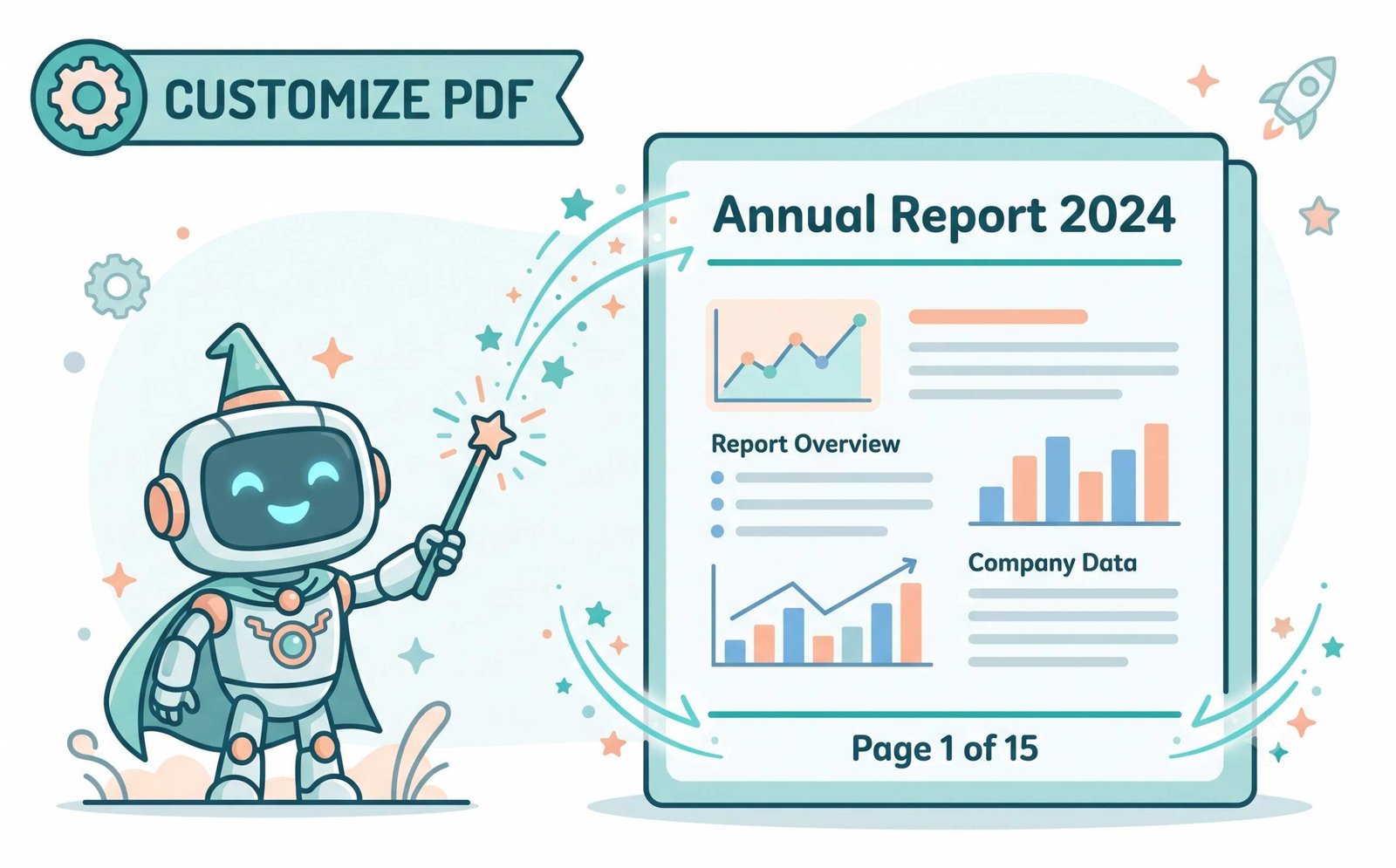
Automate Pagination & Bates Numbering PDF Online Free
Manually typing page numbers across hundreds of document sheets is time-consuming and prone to errors. Our dynamic variable engine solves this by interpreting tags such as [Page Number], [Total Pages], [Date], and [File Name] on the fly. As each page is parsed, the engine computes the exact index and stamps the vector string automatically.
Legal professionals can easily add page numbers to PDF using our dedicated presets for Bates numbering PDF online free. With the "Exclude Cover Page" option, numbering starts seamlessly from page two onwards, maintaining an elegant, uncluttered presentation for title sheets.
- Automated page numbering calculated dynamically per document or batch queue.
- Precise margin control measured in typographical points (pt) for print readiness.
- Smart Auto-Margin prevents text collision with pre-existing document content.
100% In-Browser Memory Sandbox: Zero Remote Exposure
Conventional cloud PDF tools upload sensitive documents to remote servers, putting payroll records, legal evidence, and corporate trade secrets at risk. Our application runs 100% inside your local web browser sandbox using client-side JavaScript and WebAssembly compilation.
- No remote servers, no temporary cloud storage, and zero telemetry logging.
- Fully functional in offline mode after initial browser cache loading.
- Enterprise-grade security suitable for banking, medical, and legal documentation.
Frequently Asked Questions
Everything you need to know about how to add header and footer to PDF documents in your browser.
Yes! If you only need page numbers, copyright stamps, or a date at the bottom of your pages, simply disable the Header toggle and configure your settings to solely add footer to PDF documents while keeping top margins clear.
Absolutely. You can easily add header to PDF containing text, author names, dynamic dates, or corporate stamps. Our rendering engine preserves high vector clarity across all pages without blurring.
It is very simple. Just check our "Exclude Cover Page (Start Numbering From Page 2)" box, and the tool will automatically add page numbers to PDF starting from page two while leaving the cover page completely pristine.
Yes. Legal professionals and law firms can use our built-in preset to apply Bates numbering PDF online free with custom prefixes and zero-padded sequential numbers across court exhibits.
No. Our tool adds lossless vector text layers directly on top of your existing PDF sheets. Your original high-resolution photos, vector graphics, and embedded fonts remain 100% untouched.
Yes, 100%. All PDF processing and vector overlay stamping happen strictly inside your local browser sandbox using WebAssembly. Your documents never upload to any remote server.