Add Border to Photo for Instagram
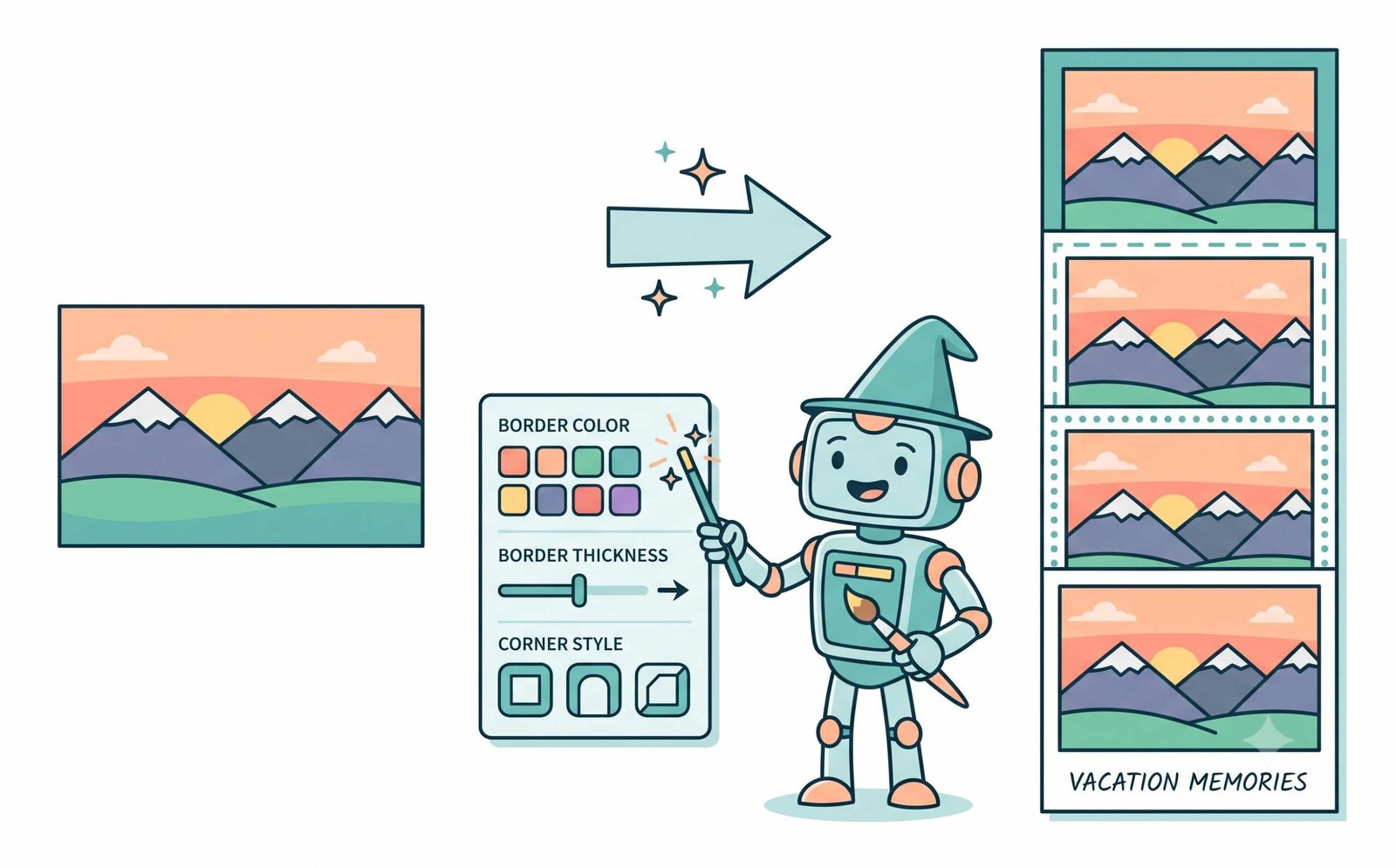
or drop photo here to add border to photo for instagram in 4:5, 1:1, or Polaroid frames
How to Add Border to Photo for Instagram Without Cropping
A fast, 3-step visual workflow designed to maintain DSLR portrait quality and fit any Instagram grid.
Upload your portrait or shot
Pick 4:5 preset & styled border
Download DSLR-sharp photo
The Pro-Portrait Smart Scaling & No-Crop Pipeline
Learn the engineering behind our sub-pixel anti-aliasing, color accuracy, and zero-crop framing architecture.
Vector-Precision Aspect Ratio Matrix
Our No-Crop Fitter analyzes raw image dimensions and wraps a mathematical 4:5 portrait (1080×1350) or 1:1 square canvas around the perimeter, preventing Instagram from forcefully cropping heads or landscapes.
Pro-Portrait Smart Scaling Engine
Unlike conventional web tools that blur fine facial details, our engine renders sub-pixel bicubic curves to preserve skin textures, eyelash sharpness, and shallow depth-of-field DSLR optical characteristics.
Dynamic Eyedropper & Color Gamut
Sample exact chromatic hex coordinates directly from photo pixels to generate cohesive, aesthetic borders with seamless Rec.709 sRGB gamut translation and zero posterization.
Zero-Latency Client-Side Export
Export individual uncompressed JPG, PNG, or WEBP files in under 2 seconds, or package an entire multi-photo carousel into a single lossless ZIP archive with zero cloud telemetry.
Engineered to Beat Every Competing Tool
Every aesthetic filter, aspect ratio preset, and scaling algorithm crafted for creators and photographers.
No-Crop Instagram Fitter
Automatically fits horizontal and vertical pictures into standard 4:5 or 1:1 frames without cutting any pixels.
Pro-Portrait DSLR Fidelity
Preserves facial features, eye reflections, and shutter-speed sharpness with studio-grade anti-aliasing.
100% In-Browser Privacy
Your private photos never leave your device. All rendering executes locally inside your browser memory.
Eyedropper Color Sampler
Click any pixel on your photo to instantly match the border color for editorial magazine styling.
Polaroid Cursive Typography
Type handwritten signatures in cursive Google Fonts with vintage bottom matting and drop shadow.
Batch ZIP Carousel Export
Queue up dozens of album pictures, apply uniform aesthetic borders, and download all as a ZIP file.
Mastering Instagram Feeds: The Science of Aesthetic Photo Borders
Stop Instagram from cropping your favorite pictures. Our free tool allows you to easily add border to photo for instagram directly in your browser. Whether you need a cinematic look, frosted glass blur, or a clean white frame, discover how smart framing elevates visual storytelling.
The Geometry of Instagram Feeds: Why Adding Borders Prevents 4:5 Auto-Cropping
Instagram strictly restricts feed image uploads to specific geometric aspect ratios. When users post tall vertical portraits (such as 9:16 smartphone shots) or wide landscape captures (16:9 or 3:2), Instagram’s native compression automatically crops off the top, bottom, or sides.
When you use our tool to add border to photo for instagram, the smart padding algorithm calculates the exact difference between your original aspect ratio and Instagram’s standard 4:5 portrait frame. It expands the canvas perimeter with elegant padding so your entire subject remains 100% visible and uncropped. Learn more about visual composition standards on the Wikipedia Aspect Ratio Guide.
- Preserves 100% of photographic framing without losing shoes, hats, or skyline edges.
- Builds a cohesive, professional instagram post border aesthetic across your feed grid.
- Easily add white border to photo online to create airy minimalist gallery themes.
Preserving Sub-Pixel Detail, Facial Geometry & DSLR Color Depth
When scaling down high-resolution camera files, generic online border tools apply coarse nearest-neighbor downsampling. This blurs delicate facial features, introduces jagged aliasing along hair edges, and causes color banding in skin tones.
Our Pro-Portrait Smart Scaling Engine uses high-precision anti-aliased canvas interpolation. Whether you add black border to photo frames for an anamorphic Hollywood cinema mood or use our Eyedropper tool to pull soft pastel tones from the background, the result looks as crisp as a shot taken on a calibrated full-frame DSLR camera. Explore digital color fidelity standards on the W3C Color Architecture.
- Preserves skin micro-textures, catchlights in eyes, and facial symmetry.
- Create cinematic letterbox borders for storytelling and editorial photography.
- Zero color degradation across Rec. 709 and DCI-P3 wide color gamuts.
Client-Side HTML5 Canvas Sandbox: Zero Cloud Exposure
Conventional cloud photo editors upload your personal camera roll and private snapshots across remote servers, introducing security vulnerabilities and bandwidth lag.
Our tool provides the safest way to add border to image online because all frame rendering, drop shadow calculation, and ZIP packaging happen directly inside your local browser memory. Read more about native social media feeds on Instagram Feed Guidelines.
- Total privacy: No images are transmitted to external cloud databases.
- Works offline once loaded in your browser window on Mac, Windows, iOS, and Android.
- Instant bulk processing: Download dozens of framed photos in a single ZIP file.
Frequently Asked Questions
Everything you need to know about adding aesthetic borders, no-crop 4:5 framing, and DSLR quality output.
Simply upload your picture to our free tool and select the Instagram 4:5 Portrait or 1:1 Square aspect ratio preset. Our No-Crop Fitter automatically centers your photo and adds a stylish border around the perimeter so Instagram never cuts off heads, feet, or side details.
Our tool provides the quickest way to add border to image online. Just drop your file into the browser, choose your preferred border thickness or aesthetic preset, and export your uncompressed, framed photo in under two seconds.
Yes! Photographers love our tool because you can easily add black border to photo formats to create a cinematic letterbox or 2.39:1 widescreen aesthetic, all while preserving the original DSLR-like sharpness and skin tones of your portraits.
To create an aesthetic instagram post border, choose our 4:5 Portrait (1080×1350px) or 1:1 Square preset. You can match the border color to your photo using our smart Eyedropper tool or apply a frosted blur background.
Absolutely. If you love a clean, minimalist aesthetic for your Instagram profile feed, you can add white border to photo online with a single click using our Instagram 4:5 White preset.
No. Our Pro-Portrait Smart Scaling Engine uses high-precision sub-pixel canvas rendering with high-quality smoothing filters. Your facial features, skin texture, and optical color depth remain completely lossless.
Zero server uploads. All image calculations, canvas rendering, eyedropper sampling, and ZIP packaging execute 100% locally inside your browser memory using HTML5 Canvas.
Yes! Selecting the Polaroid Classic preset creates an authentic expanded bottom matting where you can type custom text in cursive handwriting fonts like Caveat, Pacifico, or Shadows Into Light.