Free Image Grid Maker: Combine Unlimited Photos
or drop photo files here to build high-definition image grid collages
How to Create Photo Grids with Our Image Grid Maker
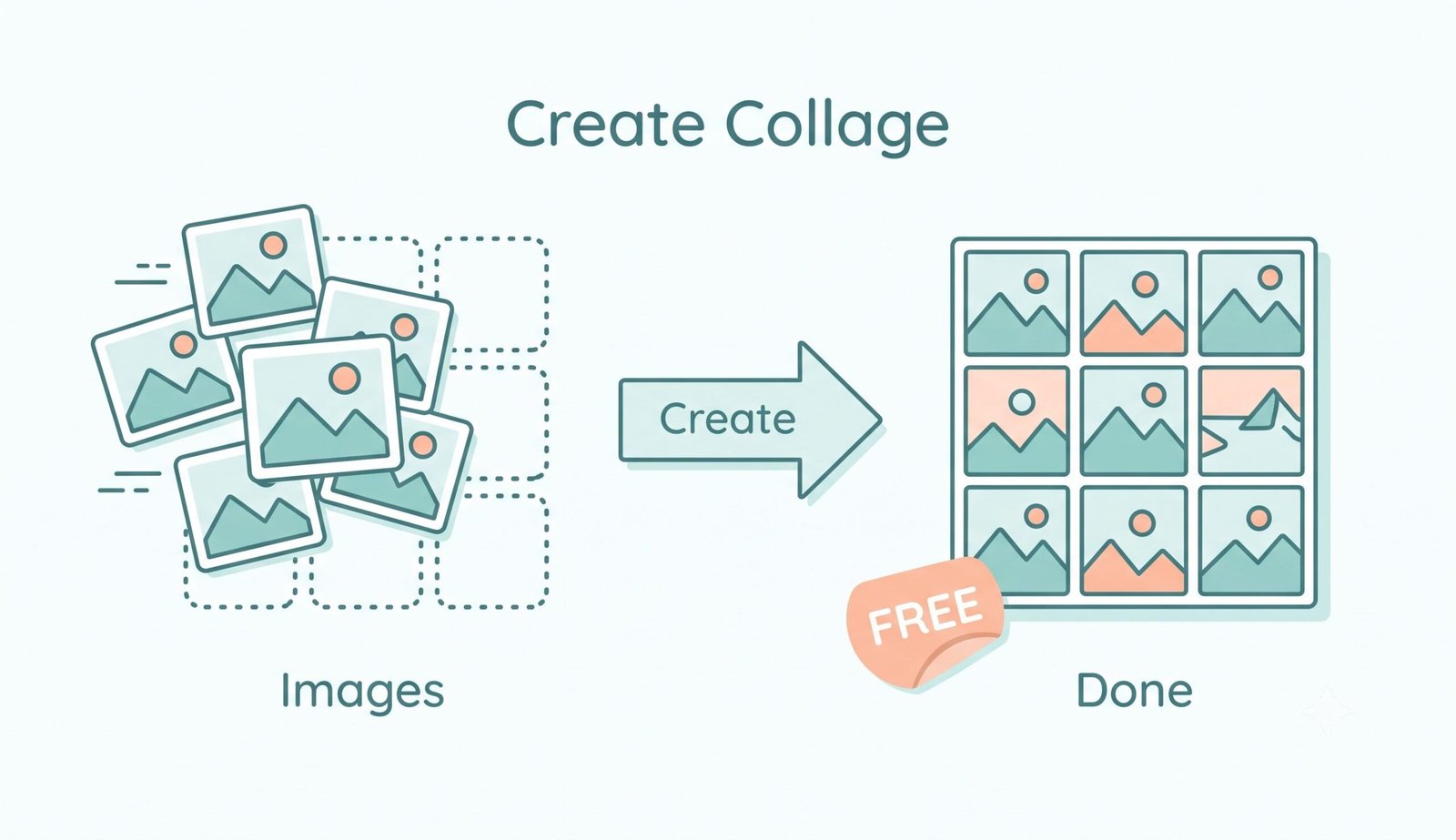
A lightning-fast 3-step visual workflow designed for high-resolution photo grid generation.
Upload your photo files
Customize grid & styling
Export in Lossless 4K UHD
How Our Image Grid Maker Engine Works
Learn the step-by-step mechanism behind our high-speed, private, sub-pixel collage rasterization pipeline.
Zero-Lag In-Memory Photo Buffer
Upload single or 30+ photo batches. Our client-side FileReader pipeline streams image bitmaps directly into hardware memory buffers without network latency or cloud uploads.
Dynamic Matrix Tessellation
The auto-grid layout engine calculates balanced rows and columns based on your selected aspect ratio, centering orphan items and computing precise pixel gaps.
Fit, Fill & Pan-Zoom Interpolation
Toggle between Fit (No Crop) to preserve full photos or Fill (Crop) for edge-to-edge aesthetics. Drag to pan and scroll to zoom individual cells with bilinear anti-aliasing.
4K UHD Canvas Rasterization
Export your finished photo collage at up to 4000px resolution in crystal-clear PNG, JPG, or direct clipboard copy with zero watermarks or lossy artifacts.
Powerful Performance Features
Engineered for lightning speed, unlimited photo batching, zero cloud uploads, and studio-grade clarity.
30+ Photo Batch Engine
Acts as a true 30 photo collage maker online free without browser freezing or memory bottlenecks.
Zero Cloud Uploads
Your private photos stay strictly in your local device RAM. 100% private and GDPR/HIPAA compliant.
Instagram Collage Maker
Tailored aspect ratios including 1:1 Square, 4:5 Portrait, and 9:16 Story ready for instant social posting.
Interactive Scrapbook
Freely drag, rotate, scale, and layer pictures with custom shadow effects over gradient backdrops.
4K UHD Lossless Export
Render photo grids up to 4000px wide for crystal-clear prints, presentations, and digital portfolios.
100% Free & No Watermark
No subscriptions, mandatory sign-ups, or annoying stamps plastered across your high-res graphics.
Mastering Photo Composition with our Image Grid Maker
An advanced client-side image processing platform engineered to combine multiple photos into high-density grid layouts, aesthetic scrapbook mood boards, and social media carousels without quality loss or data exposure.
Why Use a Dedicated Image Grid Maker for Photo Layouts?
Arranging multiple photos into a clean, symmetrical layout typically requires complex desktop software or subscription-gated mobile apps. Using a dedicated image grid maker eliminates manual slicing by automatically calculating balanced rows, columns, and proportional aspect ratios.
Whether you are assembling a product mood board, creating real estate comparisons, or compiling family vacation memories, our tool acts as a versatile free online collage maker unlimited photos platform. Explore the broader history and artistic foundations of montage on Wikipedia's collage guide [1].
- Symmetrical auto-balancing for 2 to 50+ photos with dynamic orphan item centering.
- Customizable pixel spacing gaps, corner curvature, and solid or gradient backgrounds.
- Lossless 4K UHD rendering suitable for fine-art physical printing and high-res displays.
The Ultimate Instagram Collage Maker: Square, Story & Carousel Modes
Social platforms demand exacting aspect ratios to avoid ugly auto-compression and cropped faces. As a specialized instagram collage maker, our editor includes native presets for 1:1 feed tiles, 4:5 vertical posts, and 9:16 full-screen stories.
Unlike generic photo tools, our smart Fit (No Crop) algorithm ensures your landscape and portrait photos coexist harmoniously in a single frame without awkward facial clipping or low-resolution pixelation.
- Perfect 1080px and 2160px width targeting for Instagram, TikTok, and Pinterest.
- Smart shuffle button to re-order and balance color tones across grid cells instantly.
- Individual cell pan and zoom controls for micro-framing portrait subjects.
Zero Server Uploads: Safe 30 Photo Collage Maker Online Free
Many free collage makers enforce restrictive 4-to-10 photo caps and transmit private files to remote cloud servers. Our solution is engineered as a true 30 photo collage maker online free, enabling you to build massive commemorative photo mosaics seamlessly.
All pixel rasterization, color filtering, and thumbnail rendering execute inside your browser's local sandbox using the HTML5 Canvas API. Your personal photographs, family albums, and business assets never leave your device.
- Zero server telemetry, no cloud storage queues, and no third-party data tracking.
- Complete offline capability once cached in your browser.
- Multi-threaded performance handling 30 to 50+ RAW/JPEG snapshots effortlessly.
Frequently Asked Questions
Everything you need to know about creating stunning photo grids, aspect ratios, and local client-side privacy.
Our image grid maker serves as the premier instagram collage maker. It features instant presets for 1:1 Square (1080x1080), 4:5 Portrait (1080x1350), and 9:16 Stories (1080x1920). You can also pan and zoom within individual grid cells to highlight key subjects perfectly before publishing.
Yes! Unlike conventional web apps that restrict uploads to 4 or 9 photos, our tool functions as a fully capable 30 photo collage maker online free. You can upload 30, 40, or 50+ images simultaneously, and the intelligent matrix algorithm automatically calculates balanced rows and columns to fit all your photos symmetrically.
Absolutely. Because our tool executes 100% locally inside your device's browser memory via the HTML5 Canvas API, there are zero server processing bottlenecks. This makes it an ideal free online collage maker unlimited photos builder for family albums, event recaps, and design portfolios.
Simply select "Fit (No Crop)" under Image Fit Mode. This automatically scales every image proportionally to ensure the complete frame remains visible without forced edge-cropping. You can also manually pan and zoom each cell.
No. Your privacy is 100% protected. All collage stitching, gap adjustments, and high-definition 4K exports occur purely within your local browser sandbox. Your images are never sent over the internet or saved to remote databases.