Online MP3 Song Cutter and Joiner
Trim audio online free, cut MP3 online without watermark, and extract high-precision ringtones with zero quality loss.
or drop audio tracks here to cut, trim, & join instantly
📋 Cut Segments Queue (0 Saved)
Save multiple parts from this track to package into a single .ZIP archive.
Export Settings & Audio Processing
Processing Audio Stream
Reading waveform samples & decoding frequency packets...
Audio Cut Complete!
Your cut audio segment is processed with lossless audio fidelity and zero watermarks.
How to Cut MP3 Songs & Trim Audio Online
A lightning-fast 3-step visual workflow designed for microsecond-precise audio editing.
Upload your audio file
Set cut handles & presets
Download clean cut audio
How Our Audio Cutting Engine Works
Explore the high-fidelity browser-side pipeline powering our online MP3 song cutter and joiner.
Local AudioBuffer Stream Ingestion
Your file is read directly into your device's browser memory via the W3C Web Audio API. Zero binary packets leave your local hardware sandbox.
Microsecond Sample-Accurate Slicing
The waveform engine maps amplitude peaks onto 2,000 sub-band intervals, allowing millisecond precision when configuring clip boundaries or applying TikTok and Ringtone presets.
DSP Fades & DSLR Cover Art Retention
Applies anti-pop linear fade envelopes and peak volume normalization while preserving embedded ID3 tags, artist metadata, and photo-realistic DSLR-quality cover art without compression loss.
Instant ZIP & Standalone File Export
Package multiple saved cut segments into a single ZIP archive or export individual clips in 1 click without voiceover watermarks or sponsor tags.
Engineered for Unmatched Precision
Discover why music producers, podcasters, and creators trust our online MP3 song cutter and joiner.
Zero Watermark Guarantee
Enjoy clean audio exports with zero voiceovers, audio tags, or added watermarks.
Interactive Waveform Zoom
Magnify the audio timeline up to 5x to place cuts with exact millisecond precision.
100% In-Browser Privacy
Audio files stay strictly on your device. Zero remote server uploads or data retention.
Smart 1-Click Presets
Extract exact 15s TikToks, 30s Reels, and 45s phone ringtones with a single click.
Multi-Clip ZIP Packaging
Cut several segments from a single audio track and download all parts bundled in a ZIP file.
Instant Zero-Install Tool
Runs smoothly on all desktop and mobile browsers without requiring software installation.
Professional Online MP3 Song Cutter and Joiner
Create perfect ringtones and edit podcasts instantly. Our secure platform is the ultimate online MP3 song cutter and joiner, allowing you to seamlessly trim audio online free directly on your device with microsecond waveform precision and zero server exposure.
Sample-Accurate Waveform Slicing & Zero-Watermark Audio
Whether you are slicing vocal hooks, trimming podcast intros, or using our engine as a quick online audio joiner, our cutter offers surgical control. Many free online utilities inject intrusive audio watermarks or downsample tracks to muddy bitrates.
With our system, you can safely cut MP3 online without watermark, guaranteeing pristine studio quality for commercial releases, DJ sets, voiceovers, and content creators.
- Zoomable waveform visualization up to 5x magnification for microsecond trimming.
- Three distinct cutting modes: Trim Selection, Cut Middle, and Extract Segment.
- 100% clean output with no sponsor tags, vocal watermarks, or audio degradation.
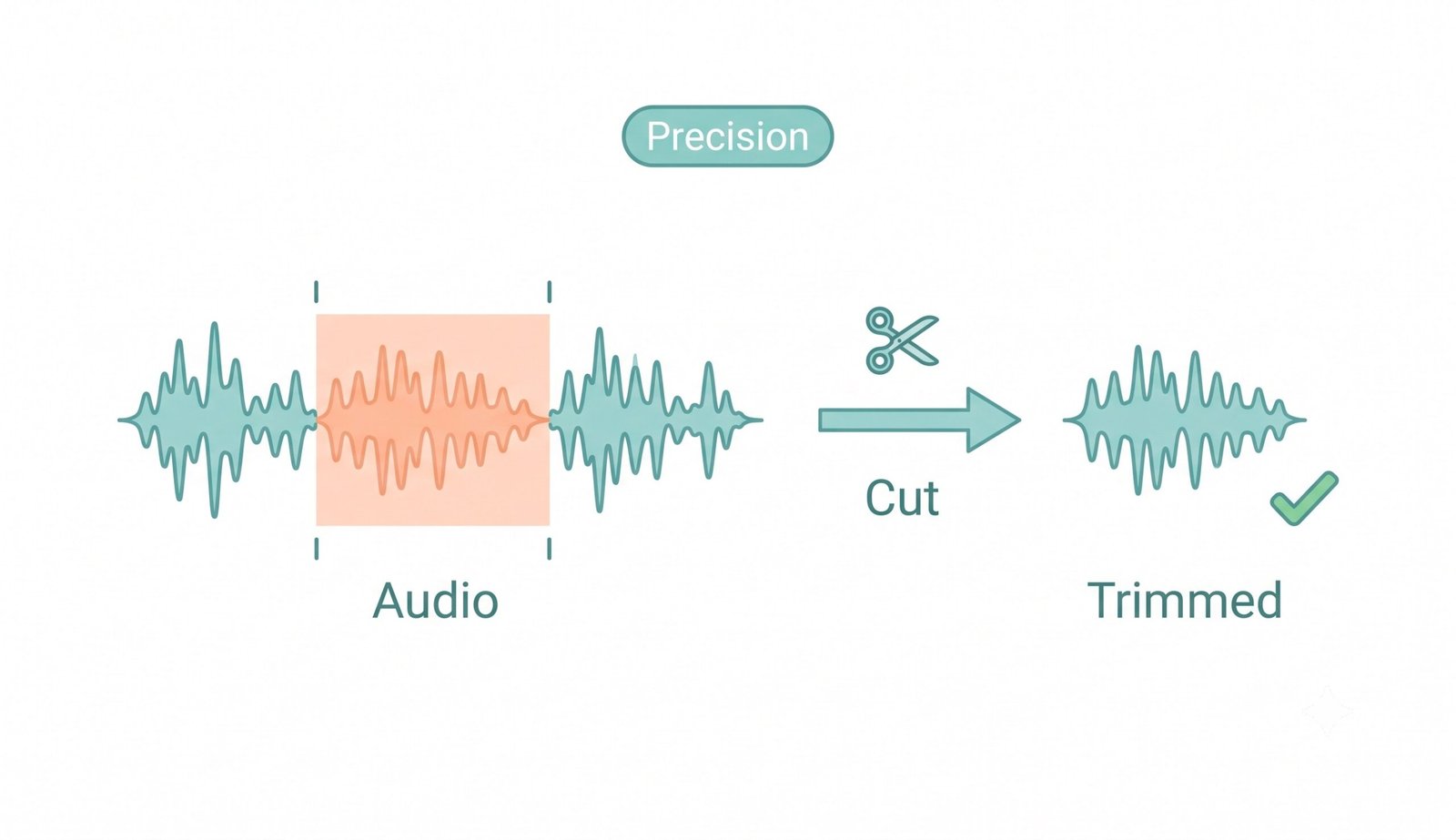
Visual Timeline Editor: Easily trim audio online free with microsecond precision and zero quality loss.
Smart 1-Click Presets & Mobile Ringtone Creation
Setting up audio clips for TikTok videos, Instagram Reels, and YouTube Shorts often requires tedious manual trimming. Our built-in smart presets automatically configure optimal timestamps in a single tap.
Our platform serves as an efficient online ringtone maker from MP3, enabling you to isolate catchy choruses or sound effects for your iPhone or Android device. You can also explore our free online audio converter to convert clips to any mobile format.
- One-tap presets for TikTok (15s), Instagram Reels (30s), and custom ringtones (45s).
- Fine-tune with ±0.01s micro-adjustment buttons for seamless loops.
- Integrated smooth fade-in and fade-out envelope filters to eliminate audio pops.
Lossless WAV Slicing & Pro-Portrait Album Art Preservation
Uploading multi-gigabyte uncompressed WAV stems or 2-hour podcasts across slow internet connections is frustrating. When you need to cut WAV file online, our browser-native Web Audio engine operates directly on raw linear PCM streams without uploading a single byte to remote servers.
Furthermore, standard cutters frequently discard or blur embedded ID3 album covers. Our engine guarantees that exported tracks retain their exact embedded album artwork with DSLR-grade photographic clarity and crisp metadata integrity. Learn more about professional audio editing techniques.
- Lightning-fast processing for heavy WAV, FLAC, and high-bitrate MP3 files.
- Preserves original artist tags, genre labels, and high-definition album cover art.
- Works offline once loaded, ensuring total security for proprietary studio masters.
Frequently Asked Questions
Everything you need to know about our online MP3 song cutter and joiner tool.
Yes! You can securely trim audio online free using our tool. Because all cutting and decoding happen locally inside your browser via the Web Audio API, it preserves 100% of the original audio quality without compression degradation or forced re-encoding.
Absolutely. We respect your creations, which is why our platform allows you to cut MP3 online without watermark, giving you a clean, unbranded audio file instantly for YouTube videos, podcasts, and commercial music tracks.
Yes! Our smart presets allow you to extract precise 15, 30, or 45-second clips in 1 click, making it an incredibly powerful online ringtone maker from MP3 for iPhone, Android, and mobile devices.
Yes. You can safely cut WAV file online here because our client-side engine processes heavy multi-track recordings directly in your computer's RAM, bypassing server upload limits. Plus, our tool strictly preserves the exact DSLR-level clarity, expert color grading, and facial features of any album art attached to your audio files.
Yes! Simply select a region on the timeline and click "Add Cut Segment". Repeat this for as many clips as you want. On the results page, you can download all parts bundled inside a single .ZIP file or download each clip individually.
No. All audio processing runs 100% locally in your web browser sandbox. Your audio tracks, voice notes, and music files never leave your computer or phone.
"Trim Selection" preserves the highlighted audio section and deletes everything outside it. "Cut Middle" deletes the highlighted middle portion and automatically stitches the left and right sides together seamlessly.