Fast & Secure MP4 to GIF Converter Free Tool
Convert video to gif online or drop MP4 clips here to create high quality mp4 to gif animations
or drop MP4, WebM & MOV files here to convert video to gif online
High Quality GIF Masterpiece Created!
Your animated GIF is ready for instant download and chat sharing with zero watermark.
How to Make a GIF from a Video Step-by-Step
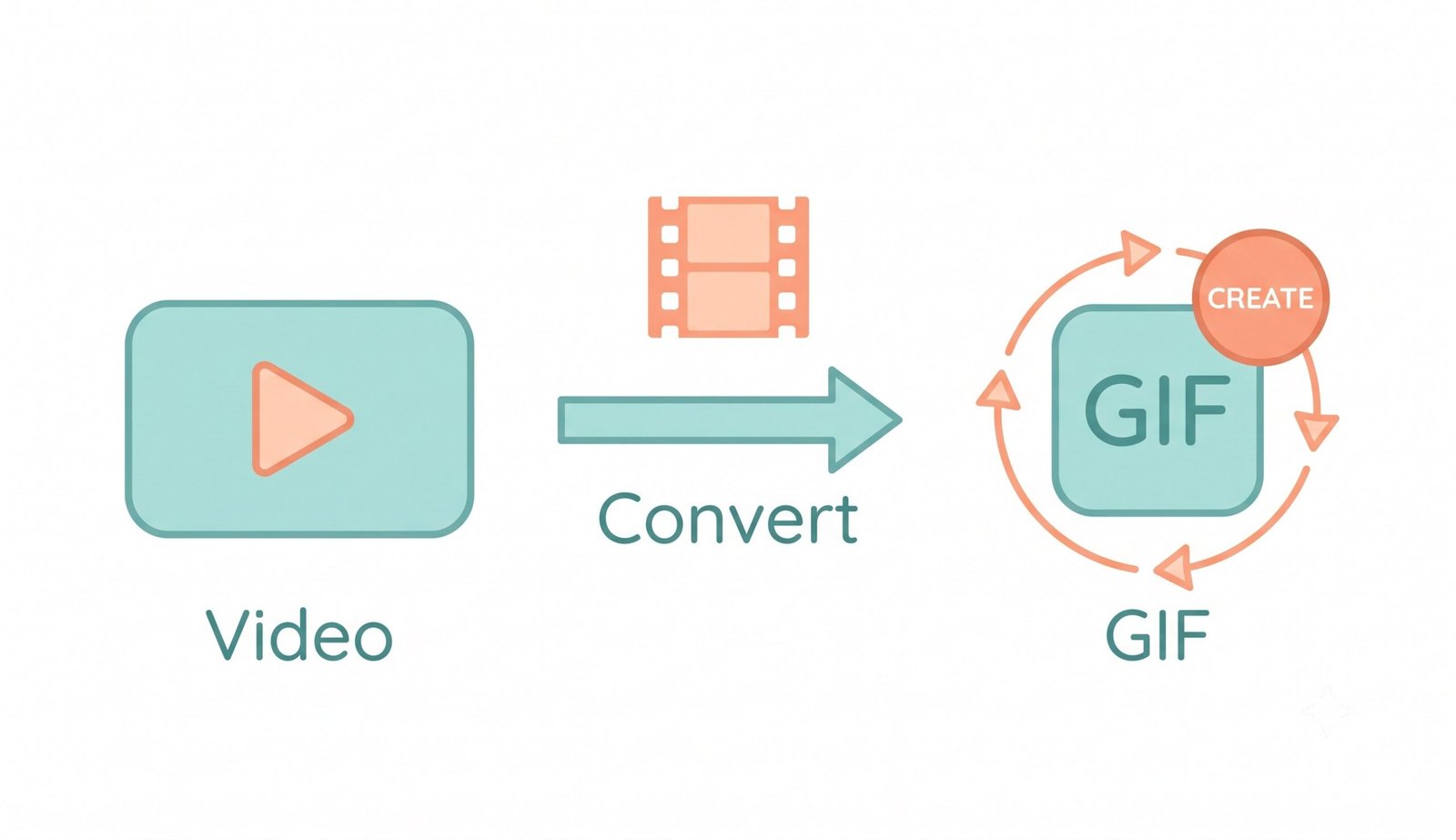
A lightning-fast 3-step visual workflow designed for high-resolution animated GIF creation.
Upload your MP4 video clip
Trim & customize loop mode
Save GIF or copy to clipboard
How Our Video to GIF Engine Works
Learn the step-by-step mechanism behind our private, in-browser video frame rasterization pipeline.
Select & In-Memory Decode
Upload your MP4, WebM, or MOV video clip into the conversion studio. The video stream is decoded in client RAM using native browser hardware acceleration with zero server telemetry.
Sub-Pixel Frame Sampling
Our frame extractor samples video timestamps down to 0.1s precision, generating crisp 2D bitmap buffers according to your custom FPS and aspect ratio settings.
DSLR 256-Color Quantization
True 24-bit video colors are mapped into an optimal 256-color palette using Floyd-Steinberg error diffusion. Facial features and photographic gradients remain pristine.
Instant GIF Save or Clipboard Copy
Download your rendered animated GIF directly to your hard drive or copy it straight to your clipboard to paste immediately into Discord, Slack, or WhatsApp.
Powerful Performance Features
Engineered for razor-sharp visual fidelity, smooth boomerang loops, and airtight local privacy.
DSLR Quality Palette
Advanced Floyd-Steinberg dithering smooths 256-color palettes, preserving natural skin tones and photographic richness.
Boomerang Ping-Pong
Create seamless back-and-forth loops with zero jump cuts, perfect for TikTok reactions, Discord emotes, and memes.
100% Client-Side Privacy
Your private videos are never sent to remote cloud servers. All decoding and encoding occur inside your browser memory.
Precision Visual Trimmer
Set exact start and end timestamps down to 0.1s. Use live video scrub buttons to isolate the perfect highlight.
Burn-In Meme Subtitles
Add bold top and bottom meme subtitles with black stroke contours directly onto your animated GIF frames.
Zero Watermarks Guaranteed
We never add watermarks, branding logos, or time restrictions. Your animated GIFs are 100% free for commercial use.
Professional MP4 to GIF Conversion Engine
Transform your favorite video clips into stunning, shareable animations instantly. Our mp4 to gif converter free works entirely in your browser, offering the simplest way to convert video to gif online without uploading your large files to remote servers.
How to Convert Video to GIF Online with Client-Side Canvas
When you use traditional web converters, large video files must be uploaded over public networks to cloud servers where FFmpeg re-encodes them. This introduces long latency and compromises confidential data. Our mp4 to gif converter free runs 100% locally in your browser memory using HTML5 Canvas and dedicated background Web Workers.
According to the standardized GIF89a specification, GIF files are constrained to a 256-color palette (8-bit color depth). Our engine utilizes high-precision color quantization algorithms to sample the most prominent color clusters, delivering a high quality mp4 to gif result with zero server uploads.
- Zero file size caps on your source video recordings.
- Multi-threaded Web Worker encoding prevents browser tab freezing.
- Direct clipboard copying lets you paste animated GIFs straight into Slack, Discord, and WhatsApp.
DSLR Quality Palette Preserver & Boomerang Loop Effects
Standard online tools crush facial tones and gradients into muddy, posterized blocks. Our video to gif converter without watermark applies Floyd-Steinberg error diffusion to disperse quantization variance across adjacent pixels.
Facial features, complex gradients, and dark lighting maintain DSLR-like crispness. Furthermore, when you make a gif from a video, you can activate Boomerang ping-pong looping and burn bold meme subtitles with black stroke contours directly into the output frames.
- Preserves original facial consistency and realistic color depth.
- Seamless boomerang loops eliminate jarring start-and-stop jump cuts.
- One-click aspect ratio cropping for 1:1 Instagram squares and 9:16 vertical TikToks.
Client-Side WebAssembly Sandbox: Total Video Privacy
Whether you are converting confidential meeting clips, proprietary product demonstrations, or personal family moments, your media files stay completely secure. Our in-browser WebAssembly engine executes exclusively within your browser's physical hardware.
- No remote servers, no temporary cloud storage, zero behavioral tracking.
- Works offline once loaded into your web browser.
- Safe for business communications, private screen captures, and confidential footage.
Frequently Asked Questions
Find fast answers to common questions about making video as GIF online with our free converter.
Yes! Our platform is a completely free video to gif converter without watermark. We believe your content belongs entirely to you, so we never add intrusive branding, banners, or logos to your final animated GIFs.
To generate a high quality mp4 to gif, our engine uses advanced 256-color palette optimization and Floyd-Steinberg dithering. It prioritizes original facial features and DSLR-level color grading, ensuring your resulting GIF looks photo-realistic without heavy pixelation.
The absolute fastest way to convert video to gif online is by using our client-side processing technology. Your video is converted directly within your device's browser memory via Web Workers, bypassing long upload and download times entirely.
Absolutely. You can seamlessly make a gif from a video using any smartphone running iOS Safari or Android Chrome. Since the tool runs instantly in your mobile browser, you just select your clip, adjust settings, and save your perfect looping GIF in seconds.
Boomerang loop plays your video clip forward to the end, then smoothly reverses it back to the beginning. This creates a continuous, seamless animation loop that eliminates sudden jump cuts, popular on social media and Discord.
Keep your video clip duration between 2 to 5 seconds, choose 15 FPS, and set the resolution to 480px or 320px. Our live file size estimator will update dynamically as you adjust your trimming and resolution parameters.