Secure PDF Editor Offline
Protect your sensitive documents with our true pdf editor offline. Annotate, sign, draw, and edit documents directly in your browser with zero server uploads.
or drop PDF files here to open pdf editor offline
Saving PDF Offline...
Rendering layers in memory...
How to Edit PDF Documents Offline
A simple 3-step workflow engineered for private, client-side document editing and markup.
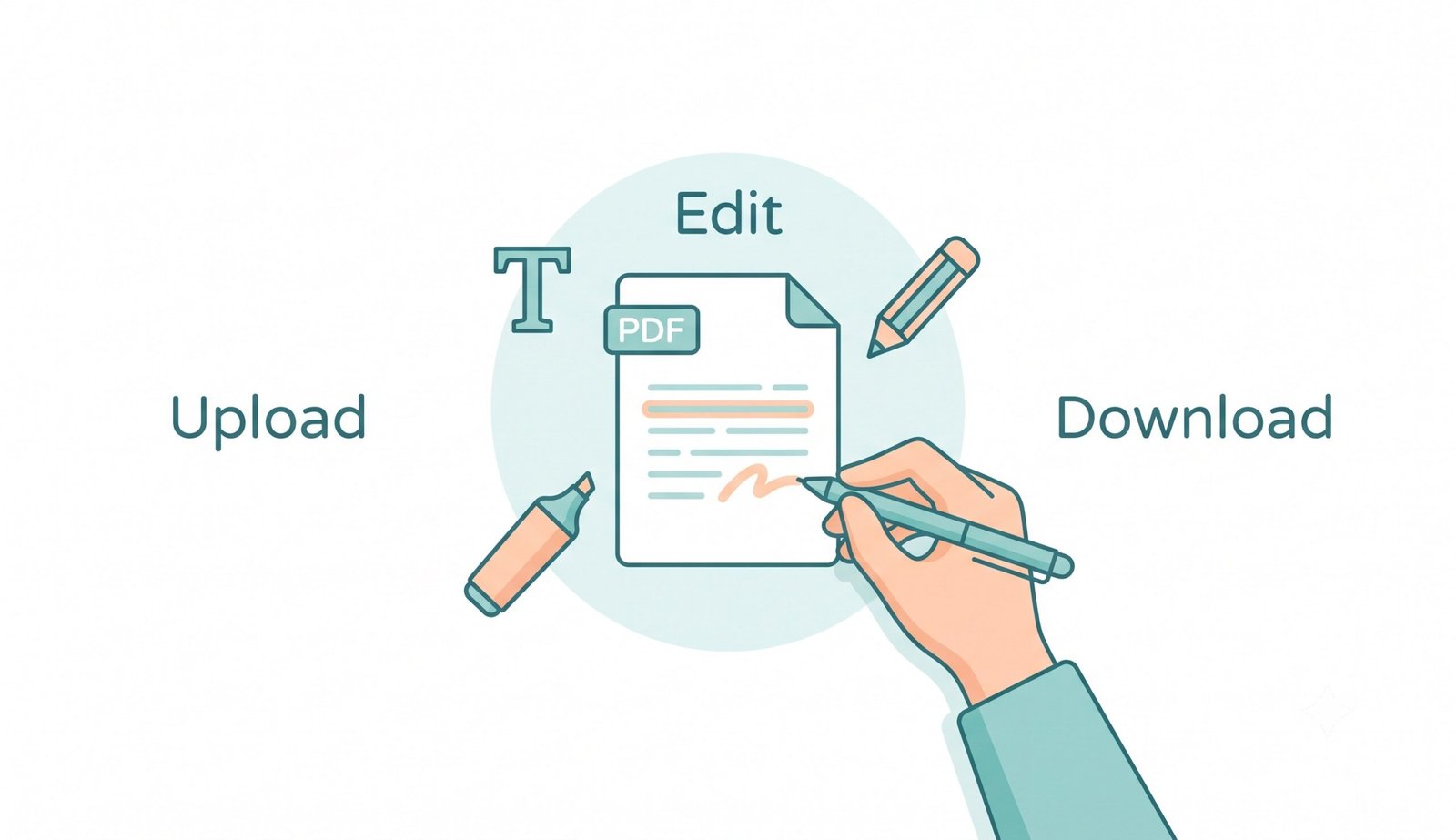
Open PDF in Local Memory
Annotate, Highlight & Sign
Export Without Watermarks
How Our Client-Side PDF Editor Engine Works
Learn the technology powering our zero-upload, client-side vector markup pipeline.
Stream Document into In-Memory Sandbox
When you select a document, it is loaded directly into your browser's RAM via WebAssembly. Zero bytes are uploaded to remote servers, providing true offline security.
Hardware-Accelerated Canvas Rendering
PDF.js compiles vector paths, typography, and image assets onto HTML5 canvases at high DPI scale, allowing smooth freehand drawing and sharp text placement.
Multi-Layer Vector Coordinate Compilation
Annotations, signature stamps, highlights, and geometric shapes are stored as coordinate matrices, preserving original document sharpness upon final export.
ISO 32000 PDF-Lib Binary Export
pdf-lib bakes your visual markup into a compliant PDF binary locally on your device. The finalized document downloads immediately with no watermarks or registration.
Powerful Performance Features
Engineered for airtight privacy, zero registration barriers, and professional-grade PDF editing.
100% Offline Capability
Works entirely in airplane mode without active internet. Complete privacy for sensitive files.
No Sign Up Required
Start annotating immediately. Zero forced registrations, no login forms, and no hidden subscriptions.
No Watermarks Ever
Your documents remain 100% clean and professional with zero branded stamps or visual overlays.
Dynamic Annotation Suite
Insert typography, freehand pen lines, color highlights, arrows, rectangles, and electronic signatures.
Zero Cloud Exposure
Guarantees HIPAA and GDPR compliance by keeping all document data strictly inside your local device RAM.
Universal Platform Support
Runs smoothly across Windows, macOS, iPadOS, iOS, Android, Linux, and ChromeOS touchscreens.
The Architecture of a True PDF Editor Offline
Discover why client-side document processing outperforms legacy cloud converters by delivering uncompromising privacy, instantaneous export speeds, and zero data leakage.
Why Editing PDF Without Uploading Protects Sensitive Data
When processing legal filings, payroll statements, tax forms, or medical charts, conventional web editors transmit your raw PDF files across public networks to remote servers. According to ISO 32000 Document Standards, PDF structures contain encapsulated metadata, embedded fonts, and layer trees that can be permanently logged on third-party servers.
Our pdf editor offline replaces server dependencies with client-side WebAssembly execution. All file parsing, visual rendering, and binary compilation happen entirely in local memory, providing a true secure client side pdf editor that lets you edit pdf without uploading.
- Zero server telemetry, temporary cloud storage, or database records.
- Full functionality in offline mode after initial browser cache loading.
- A reliable pdf editor no sign up tool for rapid workflow turnaround.
Preserving Original Typography & 300 DPI Rendering
Many online converters degrade document clarity by rasterizing pages into low-resolution bitmap thumbnails or flattening font outlines. Our pdf editor free no watermark architecture preserves embedded TrueType fonts, vector curves, and optical text layers without re-compression degradation.
When you save annotations using this simple pdf editor free, new visual elements are merged as discrete vector layers, ensuring invoices, blueprints, and contracts remain crisp when printed or zoomed.
- Full sub-pixel anti-aliasing for text boxes, highlights, and freehand lines.
- Lossless PNG signature stamp overlay with transparent alpha channel support.
- 100% clean output without watermark overlays or promotional branding.
Frequently Asked Questions
Quick answers to common questions about our pdf editor offline and browser privacy.
Yes, our platform is a completely open pdf editor no sign up or registration needed. Just open the tool and start editing instantly.
Absolutely. Unlike other platforms that ruin your documents, we provide a true pdf editor free no watermark experience for professional output.
Because we don't use cloud servers to process your files, we have zero server costs. This allows us to offer a simple pdf editor free for everyone.
Yes, as a secure client side pdf editor, your files never leave your computer, meaning you can completely edit pdf without uploading.
Yes! Once the page is loaded into your web browser, our client-side WebAssembly engine operates completely in offline mode. You can disconnect your Wi-Fi or enable Airplane Mode and continue annotating, drawing, and exporting PDFs seamlessly.