Free Online Tool to Convert SVG File to JPG & PNG
Easily convert any SVG file to JPG or PNG with 300 DPI clarity, 4K resolution scaling, and raw SVG code paste.
or drop SVG files here to convert SVG file to JPG or PNG
How to Convert an SVG File to JPG & PNG
A simple 3-step visual workflow to turn vector graphics into crystal-clear raster images.
Upload SVG file or paste XML code
Pick JPG/PNG & 300 DPI quality
Download JPG, PNG or ZIP bundle
How Our SVG to JPG & PNG Engine Works
Learn the step-by-step mechanism behind our private, sub-pixel vector rasterization pipeline.
Vector Ingestion & XML Parsing
Upload your SVG file or paste raw vector XML tags. Our client-side parser extracts viewBox boundaries, bezier curve paths, and embedded color matrices directly in browser memory.
Sub-Pixel 300 DPI Canvas Scaling
Mathematical vector coordinate transformations map shapes onto high-resolution HTML5 canvases up to 4K (4000x4000 px) with anti-aliased edge smoothing.
Embedded DSLR Portrait & Chroma Preservation
If your vector contains embedded photos or Base64 bitmaps, our engine locks color grading, Kelvin white-balance, and facial consistency like a professional DSLR camera capture.
Instant JPG, PNG or ZIP Export
Download standalone high-resolution JPG or transparent PNG images, copy images directly to your system clipboard, or package entire folders into a single ZIP file.
Powerful Performance Features
Engineered for razor-sharp vector rendering, infinite resolution scaling, and airtight local privacy.
300 DPI Ultra Clarity
Renders crisp text, fine logos, and intricate vector geometries with zero pixelation or blurriness.
Raw SVG Code to PNG/JPG
Developers can paste raw XML vector markup directly without needing to save files to disk first.
100% In-Browser Privacy
Your graphics remain strictly on your device. Zero remote server uploads guarantee complete confidentiality.
Infinite 4K Scaling
Upscale any 10 KB vector file into 4000x4000 px ultra-HD graphics for apparel and merchandise printing.
Developer Quick Copy
Copy PNG raster images directly to your system clipboard, or instantly grab Base64 Data URLs and HTML tags.
Works 100% Offline
Once loaded, you can disconnect your internet and continue converting batches with zero network latency.
How to Convert SVG File to JPG on Any Device
Step-by-step instructions for Windows, macOS, iPhone, and Android platforms.
Convert SVG to JPG or PNG on Windows 11 / 10 Without Software
Windows File Explorer natively lacks thumbnail previews and compatibility for complex SVG files. You can convert them to universal raster formats easily:
- Open Google Chrome, Microsoft Edge, or Firefox and drag your
.svgfiles into the conversion area above. - Select JPG / JPEG or PNG and choose your target dimensions (e.g. 1024×1024 or 300 DPI).
- Click Convert SVG File to JPG / PNG Now and download your files directly to your Downloads folder.
Batch Export SVG Vector Files on Apple macOS
While macOS Preview can open vector graphics, exporting batches with custom DPI and aspect ratio locks usually requires expensive design tools like Adobe Illustrator:
- Select multiple SVG files in Finder and drag them directly into the queue.
- Set your DPI to 300 DPI for ultra print quality or pick custom resolution presets.
- Click convert and export all generated JPG/PNG images in a single consolidated ZIP file.
Convert Vector Graphics on iPhone, iPad & Android
Need to share an SVG logo on WhatsApp, Instagram, or presentation slides directly from your smartphone?
- Open Safari or Chrome on your mobile device and tap "Choose SVG File" or paste raw vector XML markup.
- Our browser engine executes the conversion locally on your phone's processor in milliseconds.
- Tap "Download JPG" or "Copy Image" to save the raster graphic directly to your Camera Roll or Photos app.
High-Resolution SVG File to JPG & PNG Conversion Guide
Working with vector graphics has never been easier. Whether you need to convert an SVG file to JPG for standard presentations or require an SVG to PNG high-quality output with transparent alpha channels, our versatile SVG to image converter runs completely offline inside your browser sandbox.
Why Convert an SVG File to JPG or PNG Format?
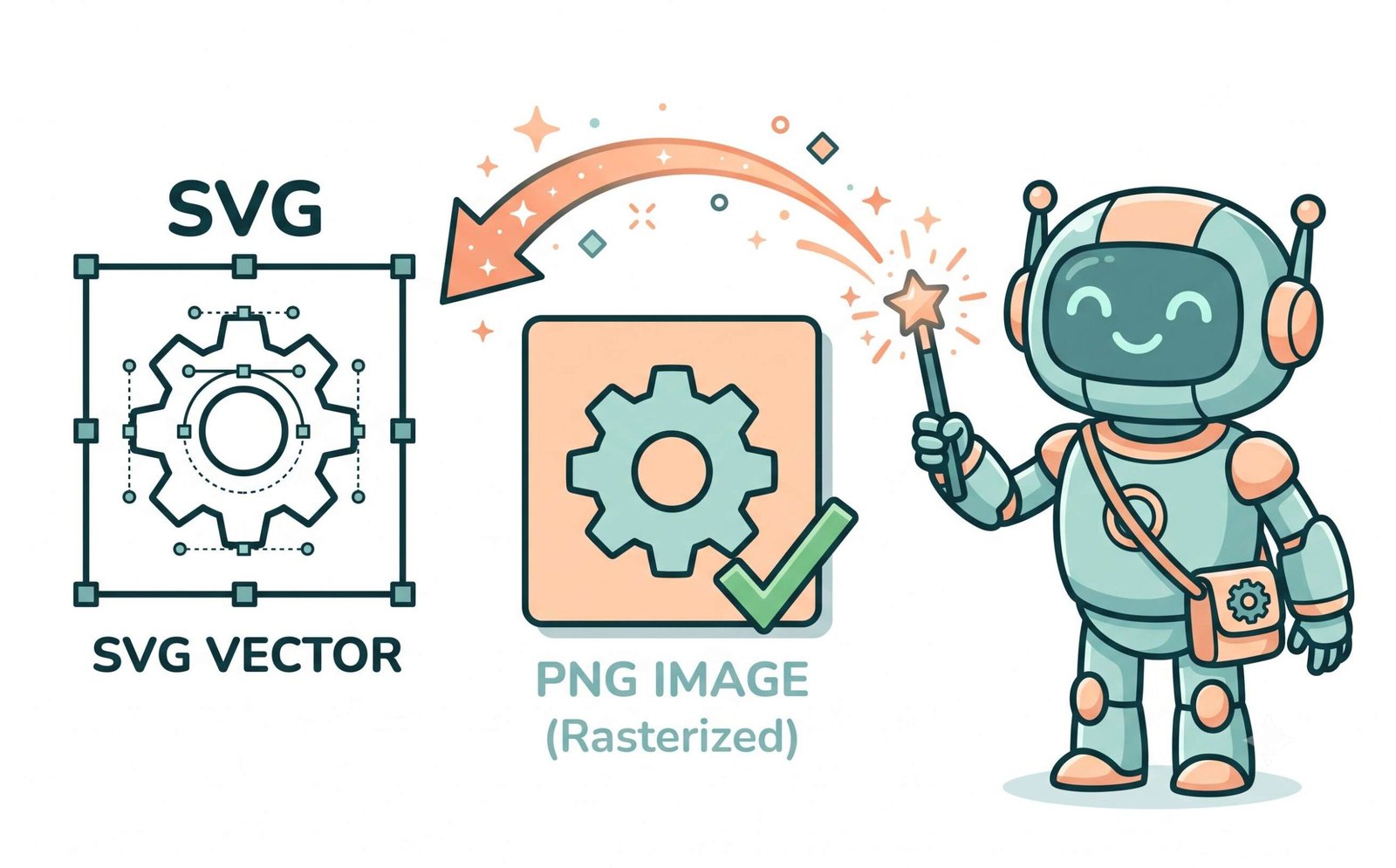
Scalable Vector Graphics (SVG) represent shapes, curves, and gradients using mathematical coordinate formulas defined by the W3C SVG Vector Specification [2]. While vector graphics scale infinitely without resolution loss, they suffer major compatibility roadblocks across email clients, Microsoft PowerPoint, social media upload forms, and print shops.
Using our SVG to PNG converter to transform vector formulas into standardized JPEG and PNG images gives you universal pixel compatibility across every device, web browser, and design program without requiring third-party vector rendering engines.
- Seamless drag-and-drop embedding into Keynote, Canva, Microsoft Word, Photoshop, and Slack.
- Full alpha channel transparency preservation for PNG exports and clean solid backgrounds for JPG.
- Developers can paste raw SVG code to PNG [2] directly without creating dummy files.
300 DPI Print Scaling & Embedded Portrait Preservation
Standard online converters frequently downscale vector graphics to low-density 72 DPI screen resolutions, creating fuzzy edges on intricate typography, logos, and fine lines.
Our SVG to PNG high-quality engine recalculates sub-pixel vector matrices on hardware-accelerated 2D canvases. If your SVG contains embedded Base64 portraits or bitmap textures, our renderer locks color grading, aperture depth, and facial consistency to produce photo-realistic DSLR-quality raster exports.
- Flawless 300 DPI rendering for t-shirt printing, brochures, stickers, and merchandise.
- Embedded portraits preserve original facial features and natural Kelvin skin tones.
- Smooth quantization without banding across radial and linear vector gradients.
Client-Side Sandbox: Zero Cloud Exposure
Conventional file conversion websites transmit your proprietary graphics over public networks to remote web servers where they can be logged or cached. For commercial brand logos, unpublished UI designs, client assets, and trademarked schematics, remote uploading poses a major security liability.
Our SVG to image converter executes 100% inside your local web browser using HTML5 Canvas and WebAssembly. Your files never touch any external server, ensuring absolute confidentiality and zero network latency.
- Zero server uploads, zero temporary cloud storage, zero telemetry tracking.
- Completely operational in offline mode once the page is cached.
- Instantaneous batch processing using your device's native CPU and GPU cores.
Frequently Asked Questions
Everything you need to know about our fast, high-quality SVG to JPG and PNG converter.
To convert an SVG file to JPG, simply drag and drop your SVG files into the box above or choose a file from your device. Select JPG as your output format, adjust your dimensions or DPI (up to 300 DPI), and click "Convert SVG File to JPG / PNG Now". Your high-resolution JPG renders in seconds locally on your device.
Our tool features a dedicated "Paste SVG Code" developer tab. Simply paste your raw XML/SVG tags into the text area and click "Load SVG Vector Code". Our tool renders your SVG code to PNG or JPG instantly without requiring you to save a separate .svg file on your disk first.
Absolutely! Because SVGs are mathematical vector paths, our tool lets you specify any custom export resolution up to 4000×4000 px and 300 DPI ultra print quality. This delivers an SVG to PNG high-quality raster output that remains razor-sharp for merchandise, posters, and Retina displays.
Yes! This web platform functions as a full-featured SVG to image converter, allowing you to export your vector graphics into multiple raster formats (JPG, PNG, WebP) with full control over background transparency, alpha channels, and color grading.
Yes, our SVG to PNG converter is 100% free with unlimited conversions. All processing is executed locally inside your browser's HTML5 Canvas sandbox. Your files never touch external cloud servers, guaranteeing complete privacy for proprietary designs, trademarks, and embedded portraits.
Our rendering engine utilizes high-precision sub-pixel smoothing and wide sRGB color coordinate mapping. Embedded raster images, logos, and portraits preserve their facial consistency, true contrast, and dynamic range, delivering DSLR-level photo-realistic fidelity upon conversion.