Free Tool to Fade Music Video & Audio Online
Add smooth, cinematic fade-in and fade-out volume curves to music videos and audio tracks. 100% free, browser-based, and completely private.
or drop MP4, MOV, MP3, WAV, FLAC, OGG files here to fade music video tracks
Your Faded Music Video / Audio is Ready!
Volume curves seamlessly applied with 100% original video resolution and audio clarity preserved.
How to Fade Music Video & Audio in 3 Simple Steps
A high-performance, browser-based workflow engineered for smooth volume transitions.
Upload Video or Audio
Tune Fade In & Out Curves
Export Lossless Result
How Our Audio Fader Online Engine Works
Understand the math and client-side digital signal processing pipeline powering our fading algorithm.
Local Audio Stream Demuxing
When you upload a music video (MP4/MOV) or audio track (MP3/WAV), our HTML5 engine decodes the compressed bitstream into uncompressed 32-bit floating-point PCM audio buffers inside your browser memory.
Parametric Envelope Interpolation
Gain curves are calculated across sample-accurate indices. Choose from Linear, Exponential (3rd order), Logarithmic, S-Curve (cosine based), or Sine waves to match human auditory loudness curves.
Peak Normalization & Anti-Clipping
The audio fader scans the waveform for maximum amplitude peaks. Enabling peak normalization safely brings quiet recordings up to 0 dBFS without introducing harmonic distortion or digital clipping.
Lossless Export & Video Preservation
Render uncompressed 24-bit WAV, high-bitrate MP3, FLAC, or export the music video. For video files, video stream bytes remain intact to preserve exact DSLR color grading, facial clarity, and frame rate.
Powerful Performance Features
Engineered for studio-grade acoustic transitions, instant browser processing, and airtight local privacy.
5 Smart Fade Curves
Select between Linear, Exponential, S-Curve, Logarithmic, and Sine wave volume envelopes.
Video & Audio Dual Engine
Seamlessly fade music video files (MP4, MOV) or standalone audio tracks (MP3, WAV, FLAC).
100% Client-Side Privacy
Zero cloud uploads. All audio calculations and video decoding occur locally inside your browser.
Peak Volume Normalization
Automatically maximize the amplitude of quiet tracks up to full loudness without clipping.
DSLR Visual Preservation
Video frames are not degraded or re-compressed; facial details and color grading stay pristine.
Instant Previews
Independently audition fade-in, fade-out, full processed audio, or original file with zero wait.
Professional Fade Music Video & Audio Processing
Make your content sound polished and cinematic. Our high-performance audio fader online enables creators to fade music video tracks, apply smooth audio fade out online, and fade out MP3 files with zero telemetry.
How to Fade Music Video Tracks While Preserving DSLR Clarity
When creating music videos, YouTube intros, or Instagram Reels, an abrupt audio cutoff ruins viewer engagement. Conventional video editors require uploading large multi-gigabyte video files to remote cloud servers, which heavily degrades video bitrate, crushes black levels, and introduces visible compression artifacts.
Our unique fade music video architecture operates directly within the browser's Web Audio sandbox. By isolating the audio bitstream while leaving the high-bitrate video stream untouched, our tool preserves the exact optical sharpness, facial micro-textures, and Kelvin color grading produced by professional DSLR and cinema cameras.
- Smooth fade-in eliminates starting mic pops, hums, and abrupt musical attacks.
- Cinematic fade-out gently guides the listener into video outros or end screens.
- Zero re-encoding blur: facial skin tones and 4K video detail remain 100% untouched.
Smart Fade Curves: Linear, Exponential, and S-Curves Explained
Human hearing does not perceive sound pressure increases linearly; instead, human loudness response follows a logarithmic scale. When you use a generic tool to apply an audio fade out online, linear fades often make sound drop off too quickly at the start while lingering awkwardly at the end.
Our audio fader online provides 5 distinct envelope curve mathematical profiles. When you fade out MP3 or WAV music files, selecting Exponential or S-Curve creates natural, studio-quality sound transitions that emulate high-end analog mixing consoles. Explore fundamental audio fading techniques to master music transitions.
- Linear: Constant rate volume alteration for simple background music underlays.
- Exponential & S-Curve: Matches natural human auditory perception with ultra-smooth tail roll-offs.
- Logarithmic & Sine: Excellent for dramatic cinematic scene cuts and podcast voiceovers.
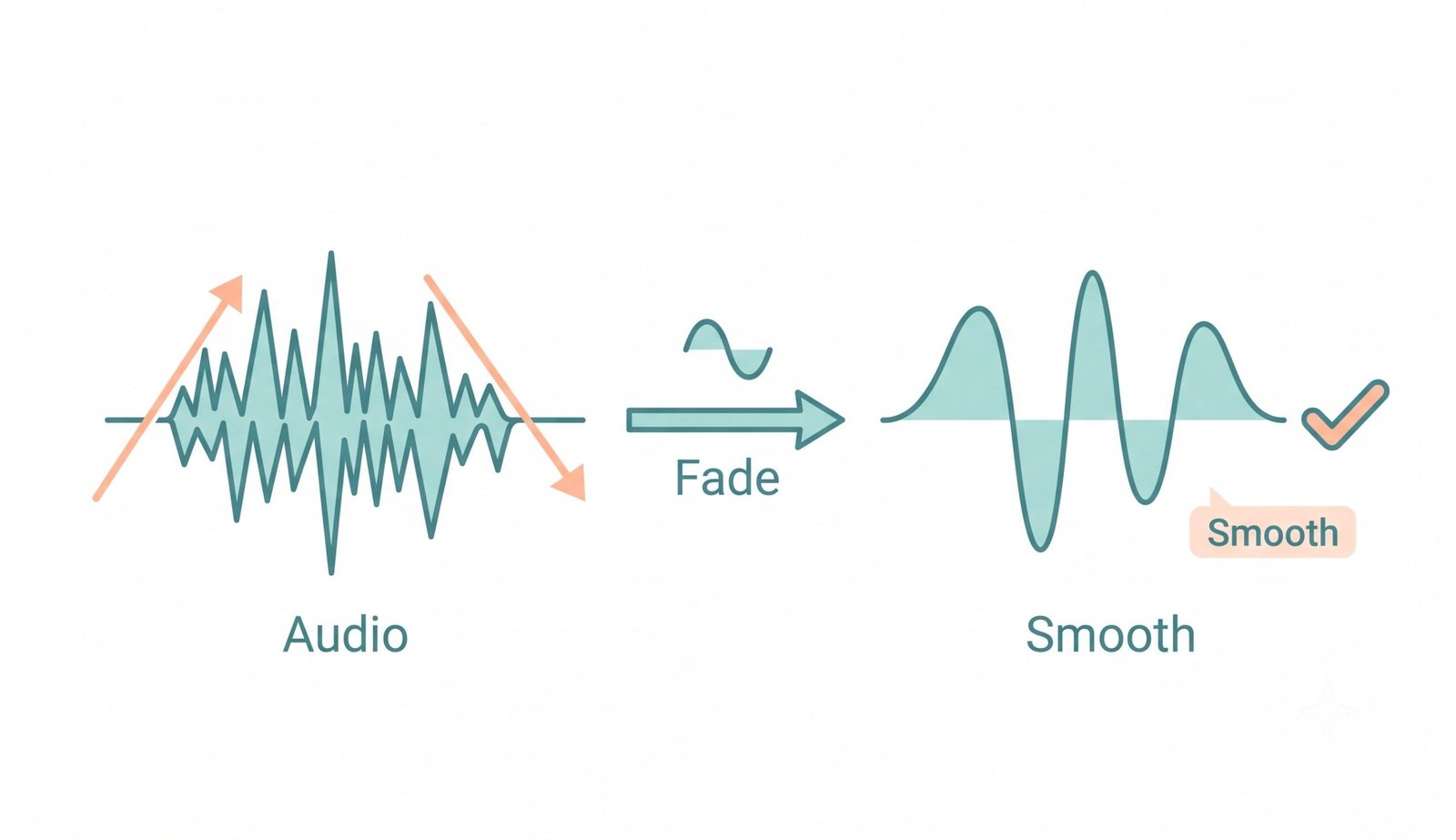
Client-Side Audio Fader Online: 100% In-Memory Privacy
Unreleased music recordings, confidential voice memos, corporate video assets, and creative client projects contain sensitive intellectual property. Traditional cloud-based converters force you to upload full audio and video files onto third-party servers, creating security vulnerabilities and data leakage risks.
Our Fade Audio Online engine executes 100% inside your local device's memory sandbox using the modern HTML5 Web Audio API. Your video and audio data never touches any remote server, meaning you can even use our tool completely offline once the page loads.
- Zero server packet transmission: your files stay physically on your machine.
- Instantaneous multi-track processing without internet upload or download delays.
- Safe for enterprise media production, legal audio records, and unreleased music.
Frequently Asked Questions
Everything you need to know about our free audio fader online and video fading engine.
Not at all! When you use our platform to fade music video files, our engine modifies only the underlying audio track, preserving 100% of the original video's resolution, frame rate, color grading, and photo-realistic DSLR clarity without re-compression degradation.
Yes! You can apply a professional audio fade out online because our platform processes your files entirely locally on your device using the HTML5 Web Audio API, ensuring complete privacy, HIPAA/GDPR compliance, and zero server uploads.
Absolutely. While it is perfect for videos, our tool also functions as a highly efficient platform to instantly fade out MP3, WAV, FLAC, OGG, and AAC audio formats with independent fade-in and fade-out envelope controls.
As the leading audio fader online, our platform guarantees that while your sound gets beautifully faded across 5 parametric curves, it strictly preserves the exact DSLR-level clarity, expert color grading, and facial features of any video or album art attached to your file.
A Linear fade changes volume at a constant rate, which can sound abrupt to human ears. An Exponential fade changes volume slowly at first and accelerates smoothly, which matches human auditory perception. An S-Curve provides the smoothest transitions with gentle acceleration and gentle deceleration at both ends.
Yes! You can independently preview the Fade In section, Fade Out section, full processed track, or original media file at any time directly in your browser with zero rendering delay.
Maximize Volume scans the entire audio waveform for its highest sound peak and automatically scales the overall gain up to 0 dBFS safely, ensuring your faded music track or video reaches standard commercial loudness without distortion or clipping.