Free Instagram Resizer
Perfectly resize, crop, and format your photos for Instagram posts, stories, reels, and profile pictures. 100% free, private, and client-side!
Free Instagram Resizer – Resize Images for Instagram Instantly
Preparing high-resolution photography for social media can be challenging when platforms like Instagram impose strict aspect ratios. Our free Instagram Resizer tool allows you to instantly resize, crop, and format any image to match official Instagram specifications—including Feed Posts, Stories, Reels, and Profile Pictures—without losing image quality or uploading files to remote servers. Whether you are a professional social media manager, content creator, photographer, or casual user, this web-based utility ensures your visuals stand out with crisp clarity and perfect cropping every single time.
How to Resize Image for Instagram Using This Tool
Resizing your images for Instagram takes just a few seconds using our simple 4-step workflow:
- Select or Drag & Drop Your Photo: Click anywhere on the upload box or drag your PNG, JPG, or WebP files directly into the drag and drop area. If you want to test how the tool works first, simply click the 'Try with Sample Image' button below the drop zone to load a test photograph instantly.
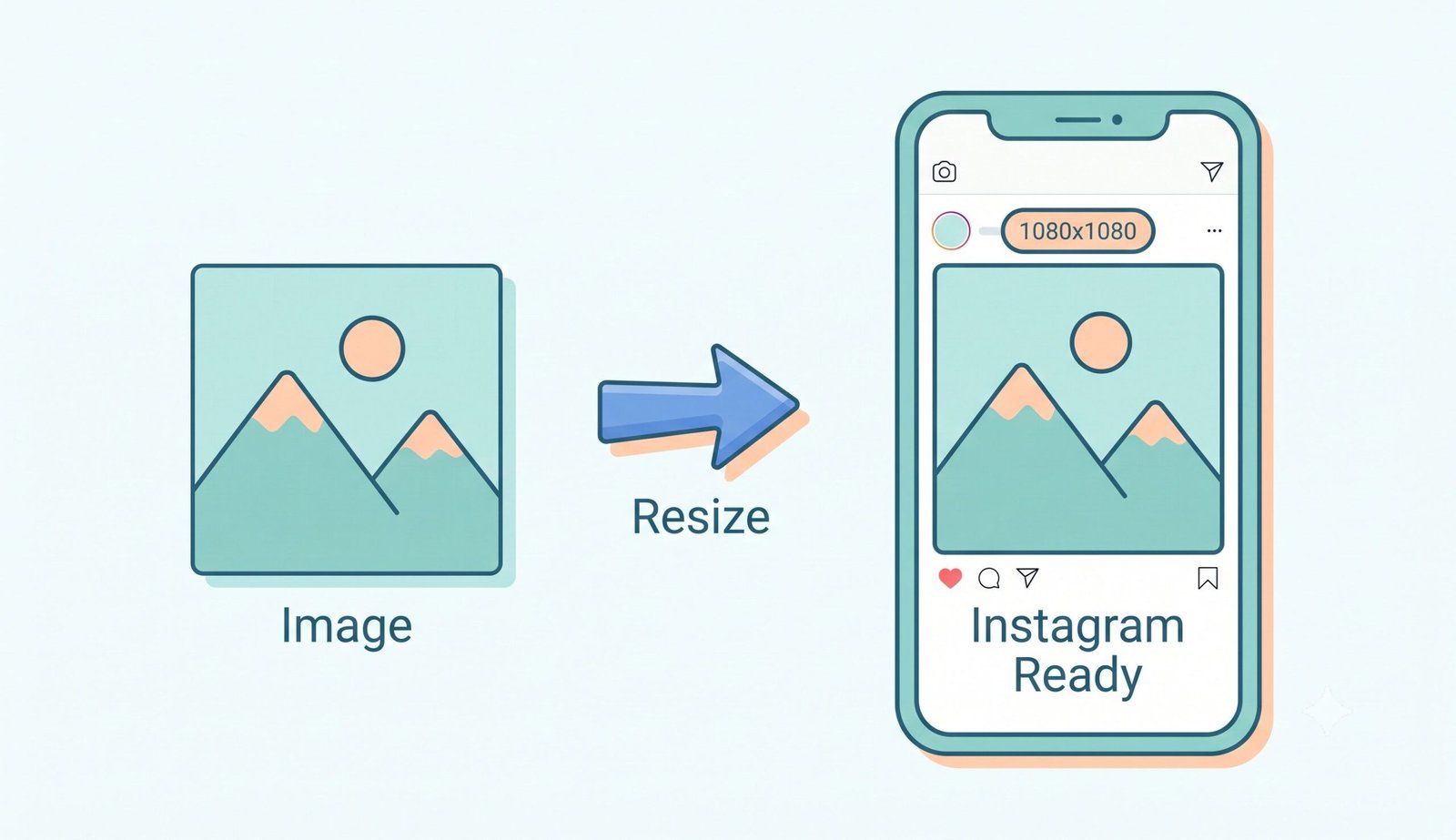
- Choose an Instagram Preset: Pick from officially recommended preset sizes including Square Post (1080 x 1080 px, 1:1 ratio), Portrait Post (1080 x 1350 px, 4:5 ratio), Landscape Post (1080 x 566 px, 1.91:1 ratio), Story & Reels (1080 x 1920 px, 9:16 ratio), Profile Picture (320 x 320 px), or Instagram Highlights Cover (1080 x 1920 px). You can also enter custom pixel dimensions for unique campaign requirements.
- Adjust Canvas Fit & Background Style: Choose how your image aligns inside the frame. Select 'Fit' mode to preserve 100% of your original photo with clean padding or background colors. Alternatively, choose 'Fill' mode to expand your image across the full frame, and click-and-drag directly on the preview canvas to center your subject perfectly.
- Download Your Perfect Image: Review the live preview and file size indicator. Once the 5-second automatic optimization completes, click 'Download Resized Image' to save your photo instantly, or download all uploaded photos as a convenient ZIP file.
Key Features of Our Instagram Resizer
- 🔒 100% Client-Side Privacy: All image processing, scaling, and file rendering calculations happen locally inside your web browser. Your private photographs are never uploaded to, processed on, or stored on external cloud servers, guaranteeing absolute privacy.
- 🎯 Exact Preset Dimensions: Eliminate guesswork with pre-configured resolutions built according to Instagram's latest mobile platform standards for posts, stories, reels, and profiles.
- ✂️ Interactive Drag-to-Crop Canvas: When using Fill or Cover mode, take full control over your photo framing. Simply click and drag your image around on the canvas using your mouse or touchscreen to set the ideal crop point.
- 🎨 Smart Fit & Background Customization: Post landscape photos to vertical Instagram stories without awkward cropping. Our resizer lets you add solid background colors, smooth color gradients, or blurred backdrop effects.
- 📦 Batch Resizing & ZIP Export: Need to prepare an entire carousel post or campaign gallery? Upload multiple images simultaneously, apply uniform sizing parameters, and download everything together in a compressed ZIP folder.
- ⚡ High-Fidelity Resampling: Powered by advanced browser Canvas resampling, your output photos maintain optimal contrast, sharpness, and color saturation while minimizing file weight for fast mobile downloads.
Why Resize Images for Instagram?
Instagram is a visual-first platform where image presentation directly affects engagement, audience retention, and brand perception. When you upload an unoptimized photo that doesn't fit standard dimensions, Instagram's automatic compression algorithm forcibly crops edges or downsamples resolution, leading to blurry visual artifacts and awkward subject placement.
By preemptively resizing and compressing your photos before publishing:
- Prevent Unwanted Cropping: Ensure important elements—such as text overlays, human faces, product details, or scenic horizons—are not cut off by Instagram's default cropping box.
- Maximize Mobile Feed Real Estate: Vertical portrait posts (4:5 ratio) take up significantly more vertical screen space on mobile smartphones compared to square or landscape photos, capturing higher user attention as followers scroll through their feed.
- Maintain Brand Aesthetics: Consistent aspect ratios create a clean, uniform grid aesthetic on your Instagram profile page, presenting a highly polished and professional visual identity.
- Faster Upload Speeds: Pre-compressed files upload faster and reduce mobile data usage without sacrificing visual sharpness.
Instagram Image Size Guide
To help you choose the ideal dimensions for your content strategy, here is an up-to-date breakdown of Instagram's recommended resolutions:
- Square Feed Post (1:1 Aspect Ratio): 1080 x 1080 pixels. The classic Instagram format that displays cleanly across both profile grids and mobile feeds.
- Portrait Feed Post (4:5 Aspect Ratio): 1080 x 1350 pixels. Highly recommended for engagement, as it covers maximum screen area on mobile devices.
- Landscape Feed Post (1.91:1 Aspect Ratio): 1080 x 566 pixels. Ideal for wide panoramic landscape photography, group shots, and cinematic imagery.
- Instagram Story & Reels (9:16 Aspect Ratio): 1080 x 1920 pixels. Full-screen vertical format designed for immersive mobile video and photo experiences.
- Profile Picture (1:1 Aspect Ratio): 320 x 320 pixels (displayed as a circular crop).
- Highlights Cover (9:16 Aspect Ratio): 1080 x 1920 pixels. Keeps your story highlight covers crisp and centered.
Learn more about Instagram image sizes on the official Instagram Help Center.