Fast & Free Tool to Bulk Convert PDF to JPG
Save time when managing multiple documents. Our tool allows you to bulk convert PDF to JPG directly in your browser with custom file size limits and DSLR-level sharpness.
or drop multiple PDF files here to bulk convert & extract high-res JPGs
Bulk Rasterizing & Compressing...
Please wait while we render vector layers and apply target size compression...
How to Bulk Convert PDF to JPG Online
A lightning-fast 3-step visual workflow designed to extract all pages from PDF to JPG with customizable compression presets.
Upload multiple PDF files
Set target size & DPI scale
Download single or Master ZIP
How Our Bulk PDF to JPG Engine Works
Learn the architectural pipeline behind our client-side, high-fidelity vector rasterization and iterative compression engine [2].
Batch Ingest & Local Memory Queue
Upload multiple single or multi-page documents. The file stream is buffered strictly in local device RAM using WebAssembly, without uploading a single byte to external cloud servers.
DSLR-Fidelity Vector Rasterization
Our rendering core compiles PostScript vectors, TrueType fonts, and bitmap layers up to 600 DPI. Portrait contours, skin tones, and signatures retain true photo-realistic clarity.
Iterative Target Size Compression
If you select a target preset (<200KB, <500KB, <1MB, or Custom), the engine dynamically modulates quantization tables to hit exact byte requirements without visual blockiness.
Smart Folder ZIP Structuring
Extracted images are organized logically into designated subfolders for each document within the Master ZIP archive (e.g. Report_01/Report_01_Page_001.jpg), saving hours of sorting.
Powerful Performance Features
Engineered to outperform traditional converters with high quality PDF to JPG rendering, offline execution, and targeted compression.
Target Size Compression
Export JPGs guaranteed under 200KB, 500KB, or 1MB for university, job, and passport portals with strict upload caps.
DSLR Pro-Portrait Quality
Preserves facial contours, contrast, and color balance with precision, producing photo-realistic high quality PDF to JPG images.
Batch Bulk Processing
Upload multiple PDF documents simultaneously. Our multi-threaded canvas worker extracts hundreds of pages in seconds.
100% Offline PWA Mode
Functions entirely as a PDF to JPG offline converter. Runs in your local browser sandbox even without active internet.
Grayscale B&W Mode
Strips color channels using photometric luminance calculations for archival documents, reducing file sizes by up to 70%.
Smart ZIP Folders
Automatically categorizes bulk images into distinct folder hierarchies per PDF, keeping extensive document libraries orderly.
High-Resolution Engine to Bulk Convert PDF to JPG
Save time when managing multiple documents. Our tool allows you to bulk convert PDF to JPG directly in your browser with fine-tuned target size compression, DSLR portrait fidelity, and zero remote data exposure.
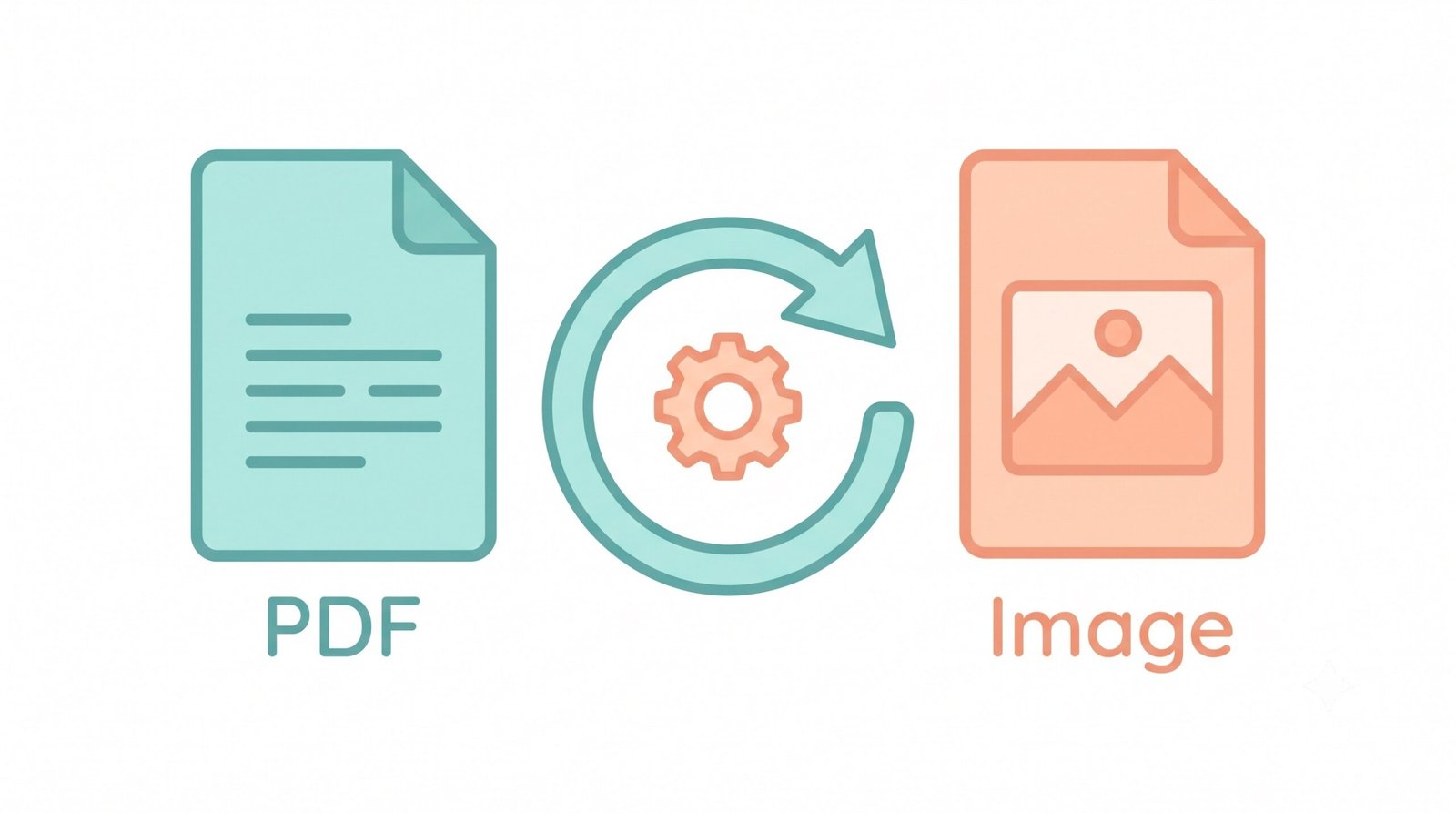 Figure 1.0: Real-time client-side vector rasterization and target size compression pipeline.
Extract All Pages from PDF to JPG with Zero Artifacts
The Portable Document Format encapsulates complex typography, bezier curves, and rich multimedia into a single structural document. However, sharing documents on web pages, embedding them into slide decks, or uploading to recruitment portals frequently requires you to bulk convert PDF to JPG.
By utilizing client-side WebAssembly via the Mozilla PDF.js engine, our system lets you convert multiple PDF to JPG free, rasterizing every typographic outline and embedded photo layer into universal JPEG pixels.
- Automatically extract all pages from PDF to JPG with sequential page numbering.
- Sub-pixel anti-aliasing preserves ultra-fine signatures, legal footnotes, and blueprints.
- Export to universally compatible JPEG, lossless PNG, or high-compression WEBP.
DSLR Color Grading & Precise <200KB / 500KB Limits
Standard converters frequently crush facial details and smudge text when compressing images for strict online portal constraints. Our high quality PDF to JPG algorithm treats portrait extraction with DSLR-level color grading—preserving facial consistency, natural skin tones, and sharp contrast.
Through binary search rate-distortion optimization, the engine fine-tunes JPEG discrete cosine transform (DCT) coefficients to strictly ensure output files remain under 200KB, 500KB, or 1MB without blurring fine lines.
- Guaranteed file size boundaries for exam forms, passport portals, and visa applications.
- Grayscale mode uses photometric luminance (
0.299R + 0.587G + 0.114B) for high-contrast B&W. - Prevents posterization and color banding across gradients and shaded backgrounds.
True Client-Side Execution: PDF to JPG Offline Tool
Uploading multi-page financial statements, employee records, or medical scans to third-party web servers introduces massive compliance and privacy risks. Because our engine operates 100% inside your local web browser, it is a fully functioning PDF to JPG offline converter.
- Zero server telemetry, zero cloud storage databases, zero third-party tracking.
- Processes multi-gigabyte document batches safely using local device CPU and GPU.
- Complete offline autonomy: works in airplane mode once the web page is loaded.
Frequently Asked Questions
Find quick answers to common questions about how to bulk convert PDF to JPG, target compression sizes, and client-side privacy.
Yes! Our platform lets you convert multiple PDF to JPG free of cost. You can drag and drop dozens of documents and process them all simultaneously without any file size limits or subscriptions.
Absolutely. Our advanced rendering engine ensures a high quality PDF to JPG output. Portraits, fine fonts, and embedded images retain their exact facial features and photo-realistic DSLR-level sharpness up to 600 DPI.
Yes! Because our tool processes everything locally on your device using WebAssembly and HTML5 Canvas, it fully functions as a PDF to JPG offline converter. You do not need an active internet connection once the page is loaded.
Yes. When you upload a document, our tool will automatically extract all pages from PDF to JPG, organize them sequentially in dedicated folders, and provide them in a single, convenient Master ZIP file.
Simply upload your PDF, choose the "< 200 KB" or "< 500 KB" compression preset from the settings toolbar, and click Convert. Our engine will dynamically adjust discrete cosine compression and rasterization to keep the resulting image within your chosen target size limit.
No. Unlike traditional cloud converters, our tool runs 100% locally inside your browser using client-side WebAssembly technology. Your files never leave your computer or phone, ensuring total privacy and GDPR/HIPAA compliance.