Free Audio Joiner and Cutter Online
or drop audio files here to visually trim clips & merge MP3 tracks with smooth fades
Drag & drop multiple MP3, WAV, AAC, M4A, FLAC, or OGG tracks (Up to 200MB each)
Audio Files Joined & Cut Successfully!
How to Use the Audio Joiner and Cutter Online
A lightning-fast 3-step visual workflow to merge MP3 files into one seamless master track.
Upload your audio tracks
Visually trim in studio & set volume
Preview & download combined audio
How Our Audio Joiner & Cutter Engine Works
Learn the inner workings of our client-side Web Audio API mixing and rendering architecture.
Multi-Format Decoding
Upload MP3, WAV, AAC, M4A, FLAC, or OGG files. The browser's native decoder decompresses compressed bitstreams into 32-bit floating point PCM audio buffers in local RAM.
Interactive Studio Trimming
Drag intuitive handles to set millisecond-accurate start and end points. Listen to the isolated selection with live playhead feedback before committing.
Volume Scaling & Crossfades
Boost or soften individual track gains (0% to 200%) and apply smooth crossfades between tracks. Peak volume normalization guarantees zero digital clipping.
Non-Blocking Export
An asynchronous Web Audio thread exports your finished continuous mix into 16-bit 44.1kHz WAV PCM or 320kbps MP3 without freezing your browser interface.
Powerful Audio Joining & Cutting Features
Engineered for lossless sound fidelity, intuitive timeline sequencing, and complete local privacy.
100% Client-Side Private
Your voice memos, private calls, and studio tracks never touch external servers or cloud storage.
Audio Joiner with Fade
Customizable 0 to 5-second crossfades blend transitions between music songs or podcast dialogues smoothly.
Dedicated Trimmer Studio
Interactive dual-handle drag trimmer with live playhead feedback lets you preview exactly what you keep.
Track Volume Equalizer
Boost quiet clips up to 200% or attenuate loud tracks individually to achieve uniform track dynamics.
Drag & Drop Reordering
Easily arrange audio playback order by dragging track cards or using precision up/down controls.
No Watermarks or Limits
Join unlimited audio tracks up to 200MB per file with zero subscription fees or watermarks.
Professional Audio Joiner and Cutter Online
Transform your raw audio clips into seamless, publication-ready master tracks. Learn how our browser-based engine allows you to merge MP3 files into one, apply smooth fades, and cut unwanted segments without quality loss or privacy concerns.
Next-Generation Audio Joiner and Cutter Online
Whether you are creating a continuous podcast episode, preparing a dance medley, or organizing lecture recordings, our audio joiner and cutter online delivers desktop-grade editing capabilities inside your browser.
Instead of forcing you to jump between separate cutter and merger apps, our tool lets you trim starting and ending points directly on each track before you merge MP3 files into one cohesive track. Discover standard principles in audio editing on Wikipedia.
- Combines MP3, WAV, AAC, M4A, FLAC, and OGG formats in a single timeline.
- Dedicated Studio Trimmer lets you audition selections without page freezes.
- Instant in-browser preview player lets you audit transitions before exporting.
Smart Audio Joiner with Fade: Seamless Acoustic Transitions
When standard tools stitch audio tracks together, listeners frequently experience harsh clicks, sudden pops, or jarring volume jumps. Our dedicated audio joiner with fade applies smooth mathematical crossfade curves that gradually attenuate the ending track while gently amplifying the incoming audio.
With built-in 32-bit floating point precision, you can reliably combine audio files online without quality loss. Peak normalization ensures balanced loudness across diverse microphones and instruments.
- Variable crossfade overlay duration from 0.0s to 5.0s for DJ transitions.
- Silence gap insertion (0s to 10s) creates natural pauses between audiobook chapters.
- Peak normalization prevents clipping and harmonic distortion on loud signals.
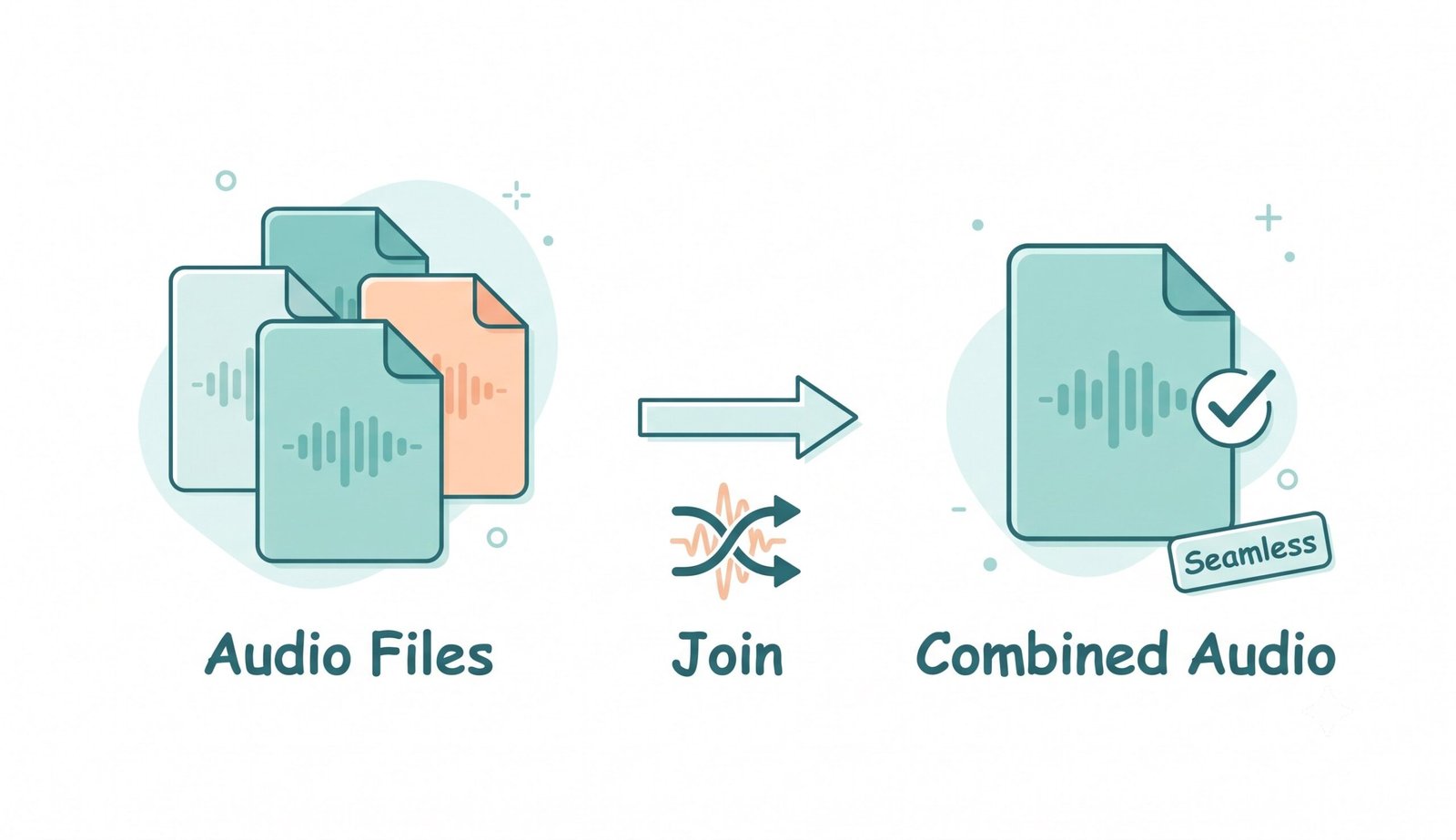
Private Audio Joiner Online: Zero Cloud Uploads
Conventional web audio editors upload your confidential files to remote third-party cloud servers, risking sensitive business meetings, personal voice memos, and unreleased musical masters.
Our tool functions as a 100% secure private audio joiner online. All mixing, cutting, volume scaling, and encoding execute entirely inside your local device's memory sandbox without transmitting audio packets over the internet.
- No remote file storage, no telemetry logging, and zero server wait queues.
- Fully functional offline after the initial page assets load into cache.
- Safely mix confidential legal recordings, healthcare dictations, and interviews.
Frequently Asked Questions
Everything you need to know about our private audio joiner and cutter online engine.
Click "✂️ Edit & Trim" on any uploaded audio card to open the dedicated trimmer studio below. Drag the green start and red end handles on the waveform, audition the trimmed selection with the live playhead, and adjust track volume before merging.
Yes! Every track includes a dedicated volume booster slider (0% to 200%). This allows you to boost quiet voice recordings or lower aggressive background beats so all joined tracks play at a balanced level.
Yes! Our advanced editor is a dedicated audio joiner with fade. You can visually overlap multiple tracks and apply smooth crossfades (0 to 5 seconds) between clips, ensuring a smooth, studio-quality acoustic flow between spoken word and theme music.
Absolutely. Our utility functions as a 100% secure private audio joiner online. All mixing, cutting, and joining occur offline on your local device's CPU/RAM, ensuring your confidential voice notes and interview recordings never leave your browser.
The easiest method is using our client-side editor. You can merge MP3 files into one instantly by dragging and dropping them into our track sequencer. You can rearrange track playback order, trim start/end points, and export as 320kbps MP3 or lossless WAV.