Pdf to EPUB

πŸ“š

Convert PDF to EPUB / Google Play Books

Transform PDF documents into reflowable, screen-friendly EPUB e-books in seconds. 100% free, private, and client-side browser processing.

βœ“ 100% Private Client-Side
βœ“ No Cloud Uploads
βœ“ Universal E-Reader Ready
πŸ“•
Drag & drop your PDF file here
Supports single or multiple PDF documents
Selected Documents
βš™οΈ E-Book Settings & Metadata
πŸ“‚ File loaded! Preparing your e-book...
0% Completed
πŸŽ‰ Conversion Complete! Your EPUB is Ready
πŸ”’

Password Protected PDF

Enter password to unlock file.

Notification

Free Convert PDF to EPUB / Google Play Books – Create E-Books Instantly

Are you looking to read your favorite PDF documents, research papers, textbooks, or personal manuscripts on your Kindle, Kobo, Apple Books, or Google Play Books? Converting PDF documents into clean, reflowable EPUB e-books is the ideal solution. Unlike rigid PDF files that require constant zooming and horizontal scrolling on smaller mobile screens, the EPUB format dynamically reflows text, scales font sizes, and adjusts line spacing to deliver an exceptional reading experience on any e-reader, smartphone, or tablet.

Our free online PDF to EPUB converter provides a seamless, 100% private, client-side conversion experience directly inside your web browser. No software installations, no server uploads, no email registrations, and no page limits. Convert your PDF files into polished, fully compliant EPUB 2 and EPUB 3 e-books in just 5 seconds.

How to Convert PDF to EPUB Using This Tool (Step-by-step)

Transforming your static PDF files into mobile-friendly e-books is quick and effortless. Follow these simple steps:

  1. Upload Your PDF File: Drag and drop your PDF file directly into the drop zone above, or click the upload area to browse files from your device. You can also click "Try Sample File" to test the converter immediately.
  2. Customize E-Book Metadata & Settings: Customize book titles, author names, publisher details, language, font styles, and cover preferences in the E-Book Settings panel.
  3. Start Conversion: Click the "Convert to EPUB" button. Our browser-based engine processes your document, extracts text hierarchies, renders page graphics, and structures chapter navigation.
  4. Download Your EPUB E-Book: After the 5-second conversion process completes, click "Download EPUB" to save your new e-book directly to your device. You can now import it into Google Play Books, Apple Books, Calibre, or your favorite e-reader application.
  5. Convert More Files: Click the "Convert More" button to process additional PDFs or batch convert multiple files in a single continuous session.
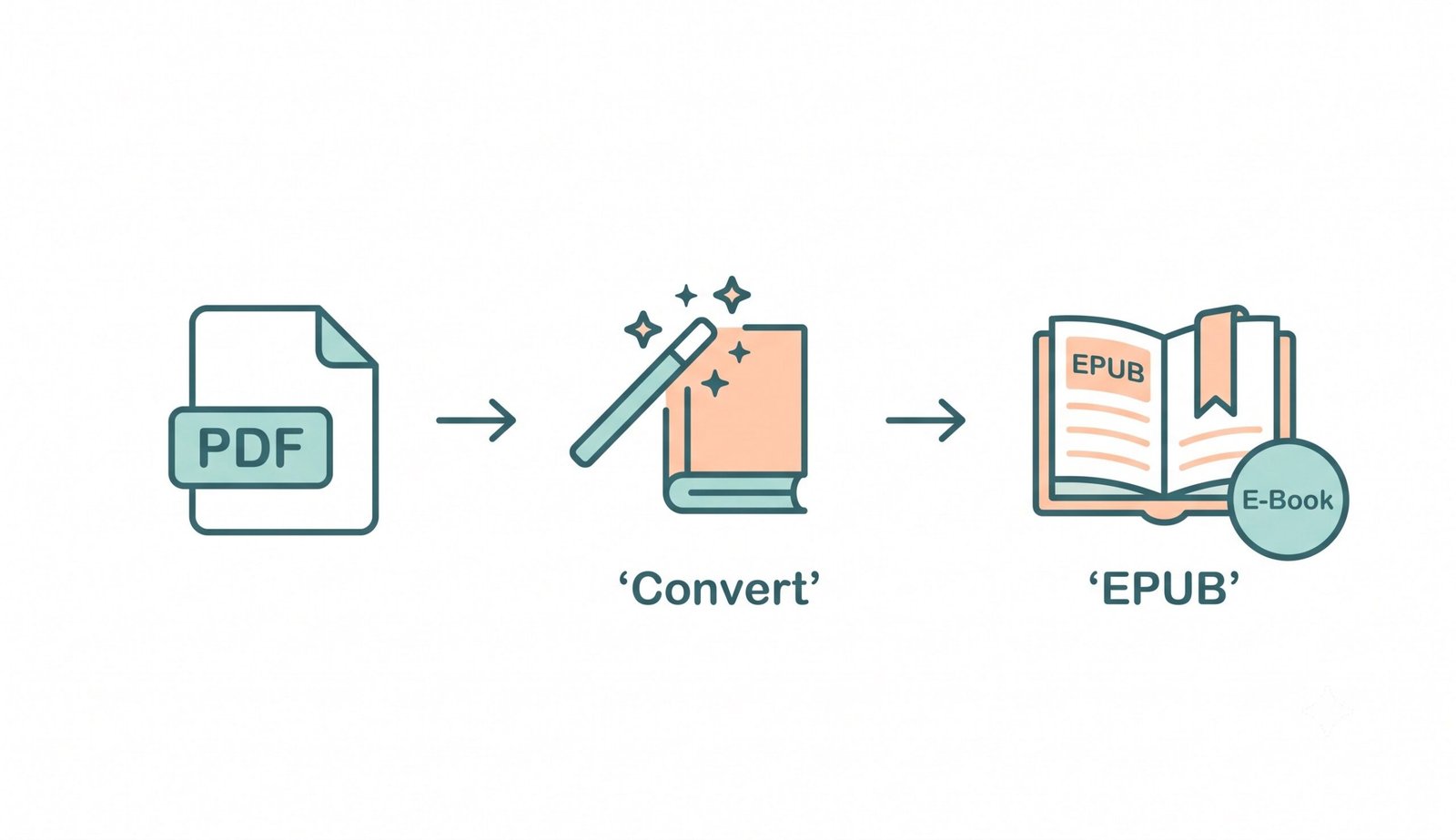
Simple illustration showing convert PDF to EPUB – transform PDFs into e-books for Google Play Books and e-readers

Key Features of Our PDF to EPUB Converter

  • 100% Browser-Based Client-Side Privacy: Your files are processed locally in your browser using JavaScript. No document data is ever uploaded to external cloud servers, guaranteeing absolute privacy for sensitive books and documents.
  • Reflowable & Adaptive Reading Layout: Intelligently translates PDF paragraphs, headings, bullet points, and text styling into flexible HTML5/XHTML structures that scale gracefully across any screen resolution.
  • Complete Metadata & Cover Customization: Easily modify book title, author, publisher, language, and release metadata so your digital reader library stays perfectly organized.
  • Hybrid High-Fidelity Snapshot Extraction: Embeds high-resolution page rendering images alongside editable text flows, ensuring complex charts, math formulas, and diagrams are never lost.
  • EPUB 2 & EPUB 3 Specification Support: Produce modern EPUB 3.0 or legacy EPUB 2.0 e-books compatible with Google Play Books, Kobo, Nook, and Apple Books. Learn more about EPUB format and e-books.

Why Convert PDF to EPUB / Google Play Books?

While PDF is designed for fixed paper printing, EPUB is the undisputed global standard for digital reading. Converting your PDFs to EPUB elevates your reading experience with:

  • Dynamic Text Reflow: Text automatically fills any screen size, eliminating tedious pinch-and-zoom navigation on mobile phones.
  • Universal E-Reader Compatibility: Works seamlessly across Apple Books (iOS/Mac), Google Play Books (Android/Web), Amazon Kindle (via Send-to-Kindle), Kobo, and Onyx Boox.
  • Customizable Reading Experience: Adjust font sizes, margins, line spacing, night mode themes, and font families according to your preferences.
  • Compact Storage Footprint: EPUB archives strip away redundant PDF structure overhead, resulting in lightweight files that sync rapidly across cloud devices.

PDF to EPUB Conversion Best Practices

  • Ensure Selectable Text: Make sure your PDF contains selectable text rather than image scans for optimal text extraction.
  • Provide Metadata: Enter accurate title and author names in the settings panel so e-reader apps organize your library automatically.
  • Use EPUB 3 for Modern Reading Apps: EPUB 3 provides superior navigation, cleaner chapter styling, and responsive media support.

Frequently Asked Questions (FAQ)

Simply drag and drop your PDF file into our online converter above, adjust your title or author metadata if desired, click "Convert to EPUB", and download your finalized EPUB e-book in 5 seconds. No sign-up or email is required.
Yes, 100%. Our converter processes your document entirely inside your local browser using client-side JavaScript technology. Your PDF file is never uploaded to external cloud servers, guaranteeing complete privacy for confidential files.
Yes. Our converter extracts embedded page images alongside text layers, creating a hybrid EPUB file that displays crisp page snapshots while maintaining readable text flows underneath.
Open Google Play Books on your Android device or browser, click "Upload Files" in your library settings, and select your newly converted EPUB file. You can also upload EPUB files via the Google Play Books website to sync them across all your connected devices.
Yes! You can send EPUB files directly to your Kindle account using Amazon's official "Send to Kindle" service (via web, email, or app), where Amazon automatically delivers it to your Kindle device.
EPUB 2 is a legacy format designed for older monochrome e-readers. EPUB 3 is the modern standard that supports rich formatting, responsive media, navigation bars, and semantic HTML5 structures.
Yes, our tool supports multi-file uploads and batch processing. You can convert multiple PDFs in one session and download them individually or as a single combined ZIP archive.
`;zip.file(`OEBPS/chapter-${pageNum}.xhtml`, chapterHtml); manifestItems += ` \n`; spineItems += ` \n`; tocItems += `
  • Page ${pageNum}
  • \n`; }const bookTitle = customTitle || file.name.replace(/\.[^/.]+$/, ""); const pubUuid = 'urn:uuid:' + 'xxxxxxxx-xxxx-4xxx-yxxx-xxxxxxxxxxxx'.replace(/[xy]/g, c => { const r = Math.random() * 16 | 0; return (c === 'x' ? r : (r & 0x3 | 0x8)).toString(16); });const navHtml = ` Table of Contents `;zip.file("OEBPS/nav.xhtml", navHtml);const contentOpf = ` ${pubUuid} ${escapeXml(bookTitle)} en ${escapeXml(customAuthor)} ${escapeXml(customPublisher)}${new Date().toISOString().substring(0, 19)}Z ${manifestItems} ${spineItems} `;zip.file("OEBPS/content.opf", contentOpf);const epubBlob = await zip.generateAsync({ type: "blob", mimeType: "application/epub+zip" }); trConvertedFilesData.push({ filename: bookTitle.replace(/[^a-zA-Z0-9_-]/g, "_") + ".epub", blob: epubBlob });} catch (err) { console.error("PDF processing error:", err); showToast(`Error processing file: ${file.name}`); } } })();// Await both the 5-second timer AND actual PDF conversion await Promise.all([timerPromise, conversionTask]);processingSec.classList.remove("visible");if (trConvertedFilesData.length === 0) { showToast("Error: No files were converted."); document.getElementById("tr-file-section").classList.add("visible"); return; }// Display Download Results const resultsList = document.getElementById("tr-results-list"); resultsList.innerHTML = trConvertedFilesData.map((book, i) => `
    πŸ“–
    ${escapeHtml(book.filename)}
    EPUB E-Book β€’ ${formatBytes(book.blob.size)}
    `).join("");const bulkArea = document.getElementById("tr-bulk-actions"); if (trConvertedFilesData.length > 1) { bulkArea.innerHTML = ` `; } else { bulkArea.innerHTML = ""; }document.getElementById("tr-results-section").classList.add("visible"); trPlaySound('complete'); trSmoothScrollTo("tr-results-section"); }function trDownloadSingle(index) { const item = trConvertedFilesData[index]; if (!item) return; trPlaySound('download'); saveAs(item.blob, item.filename); }async function trDownloadAllZip() { if (trConvertedFilesData.length === 0) return; trPlaySound('download');const zip = new JSZip(); trConvertedFilesData.forEach(item => { zip.file(item.filename, item.blob); });const zipBlob = await zip.generateAsync({ type: "blob" }); saveAs(zipBlob, "converted-epub-books.zip"); }// Startup Initialization document.addEventListener("DOMContentLoaded", () => { trInitMuteButtonState(); });